
Use a preview to specify items to be displayed in the Mobile dashboard.
- In the dashboard screen, click
 .
. Click desired icons to specify items displayed on the dashboard.
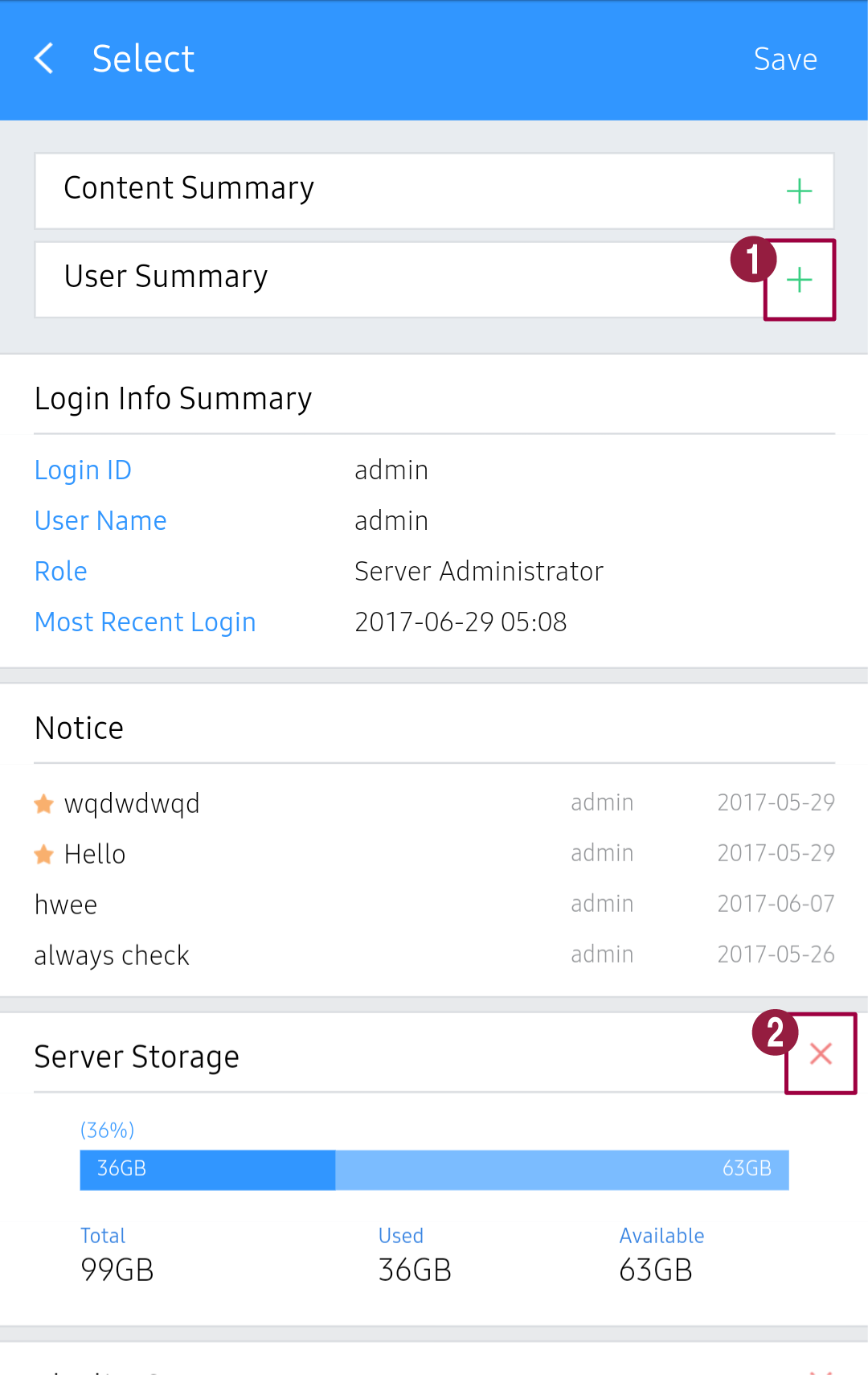
1 Add the selected item to the preview. 2 Delete the selected item from the preview.