
It is possible to group several indexes to create an upper-level index, which is called a “key index.” To analyze data using MagicINFO Insight, you should set a key index. The process of data analysis after setting of a key index may take a while.
To set a key index, follow the steps below.
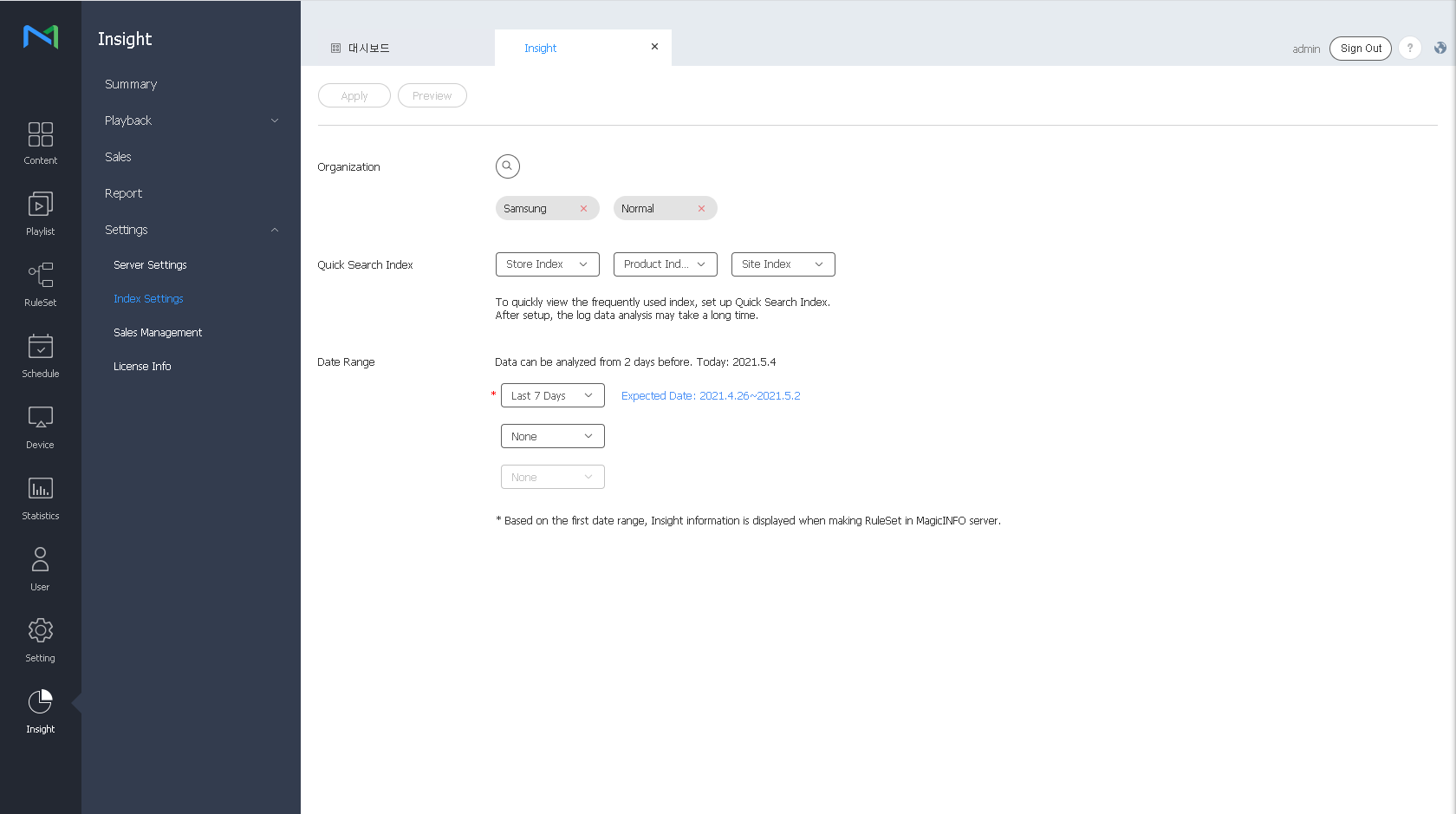
- On the menu bar on the Insight screen, click Settings > Key Index.
Select the key indexes to analyze. It is possible to select a maximum of three key indexes.
To preview the results of analysis of the selected key indexes, click the Preview button.
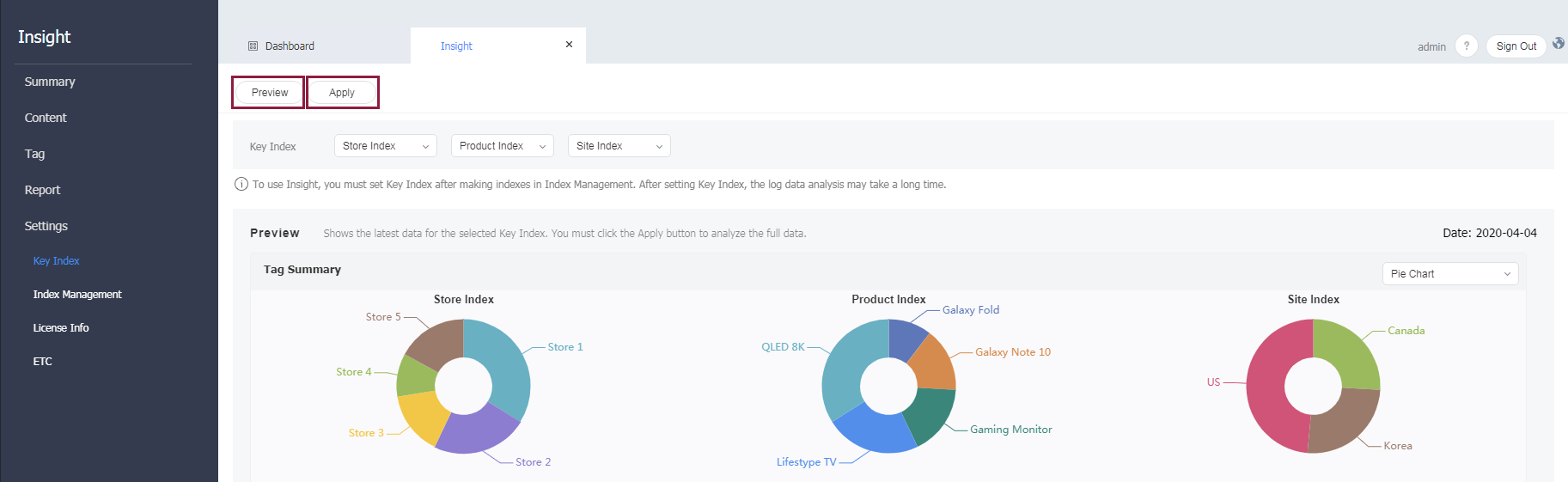
- To apply settings that have been configured, click the Apply button. A confirmation window appears.
- Click the Apply button.
Note
- If you perform new analysis by applying a key index, the data that has been collected since the previous month is updated.
- Data is not updated until key indexes are applied. The process of data analysis may take a while, depending on the amount of collected data.