
Configure settings in relation to operation of Insight.
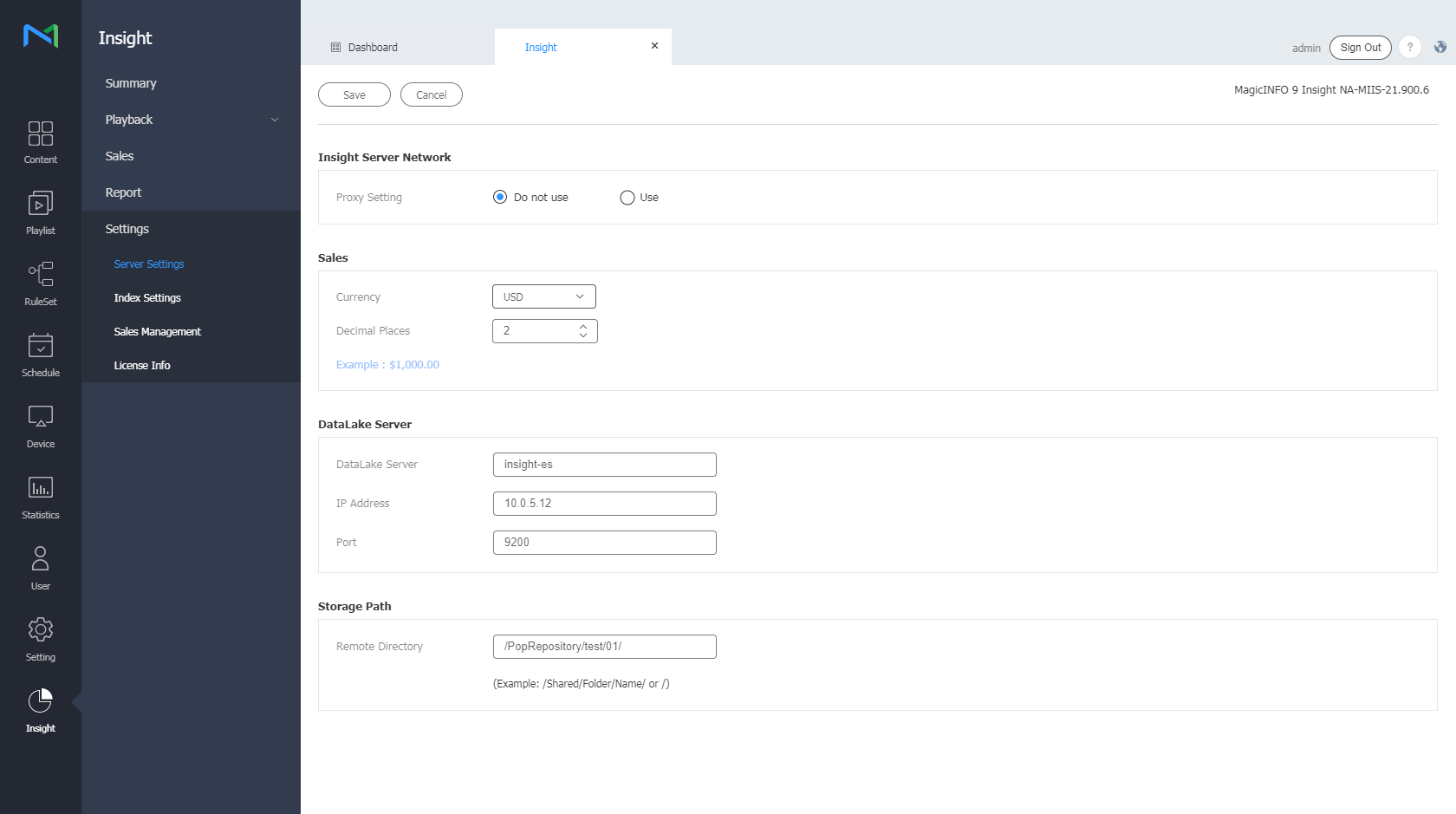
Configuring the Insight server network settings
Select whether to use a proxy server.
Setting the sales currency
Set the currency and the number of decimal places to use for sales statistics.
Configuring DataLake access settings
Configure MagicINFO Insight DataLake access settings.
- On the menu bar on the Insight screen, click Settings > Others > Edit button.
- Edit DataLake settings as required.
Changing the save destination folder
Change the destination folder to which MagicINFO Insight data is saved.
- On the menu bar on the Insight screen, click Settings > Others > Edit button.
- Edit the save destination folder.