
Adding preset
Click on Add from the device list.
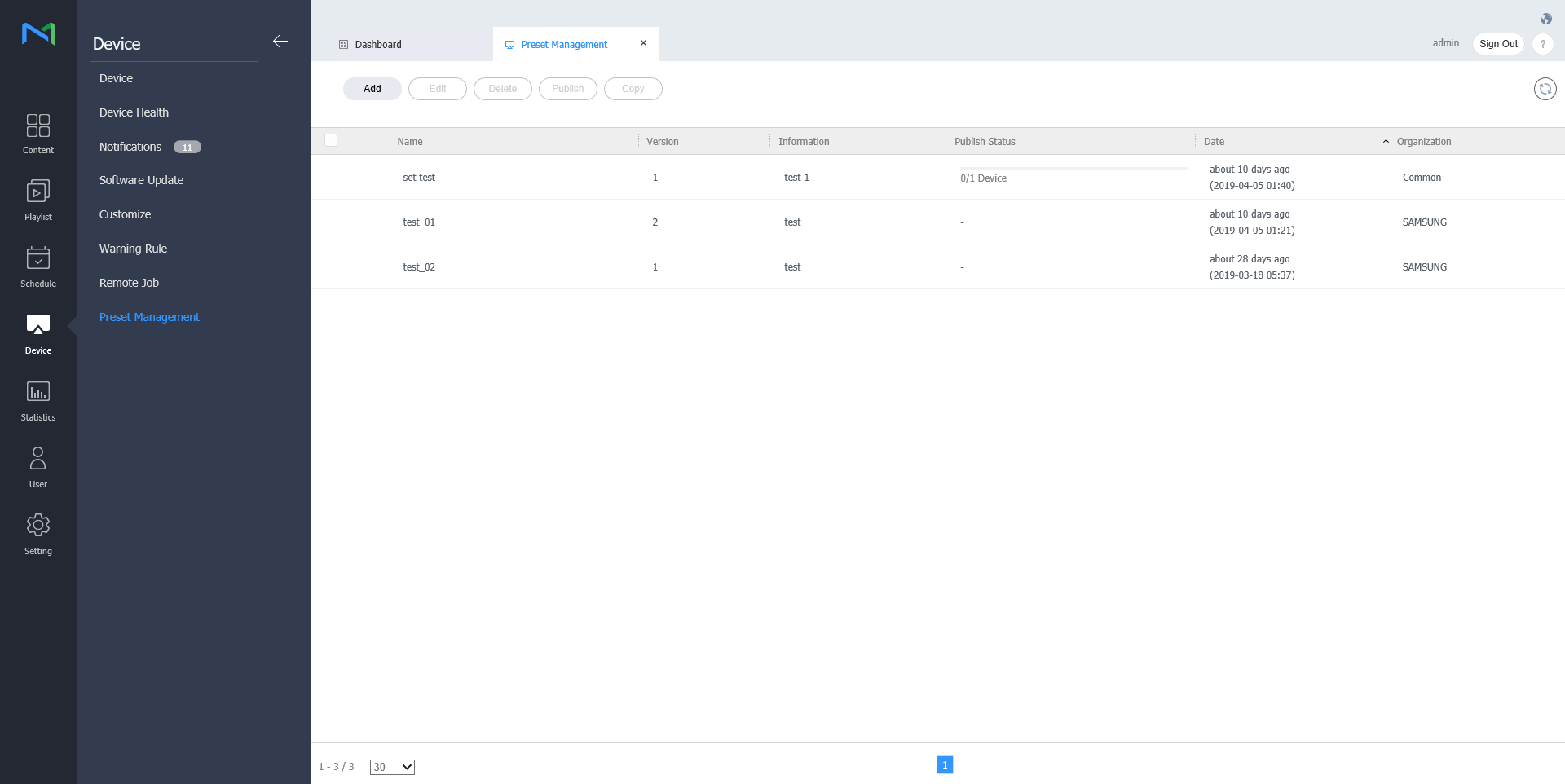
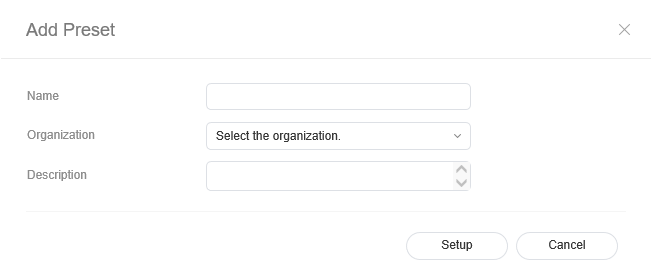
Enter name, organization and description when the add preset setting window appears and click Setting.
Deleting preset
Select a preset to delete from the preset list and click Delete.
Click OK to delete the selected preset.
Publishing preset
- Select a preset from the preset list and click Publish.
- Select a device to which you want to publish the preset setting and click Save.
Copying preset
- Select a preset from the preset list and click Copy
- Enter name, organization and description when the save as window appears and click Save.