- Click
 (Content) on the main menu bar.
 - Click Create Contents. Web Author is launched.
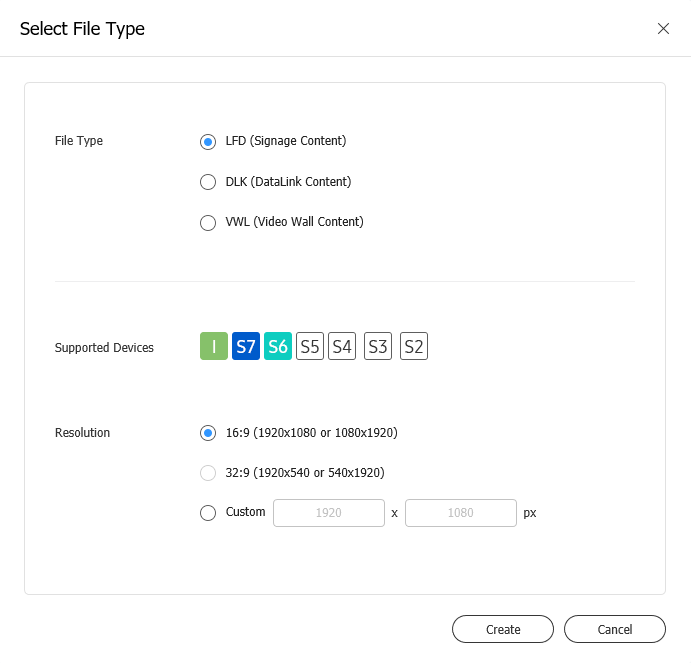
When Web Author is launched, set the device type, supported devices, and resolution.
Note
If the device type is set to Videowall, a group, registered on the server, that has videowall properties must be selected.
Click Create. The screen used to create content based on settings appears.