Page History
...
| Sv translation | |||||||||||||||||||||||||||||||||||||
|---|---|---|---|---|---|---|---|---|---|---|---|---|---|---|---|---|---|---|---|---|---|---|---|---|---|---|---|---|---|---|---|---|---|---|---|---|---|
| |||||||||||||||||||||||||||||||||||||
Edite as informações da predefinição através de uma das opções seguintes.
Editar a hora da predefinição
Editar predefinições
Editar o controlo de apresentação predefinido
Editar predefinições de segurança
|
| Sv translation | |||||||||||||||||||||||||||||||||||||
|---|---|---|---|---|---|---|---|---|---|---|---|---|---|---|---|---|---|---|---|---|---|---|---|---|---|---|---|---|---|---|---|---|---|---|---|---|---|
| |||||||||||||||||||||||||||||||||||||
Edit preset information, using one of the following options.
Editing preset timeAşağıdaki seçeneklerden birini kullanarak ön ayar bilgilerini düzenleyin.
Ön ayar zamanını düzenleme
Ön ayarları düzenleme
Ön ayar ekran kontrolünü düzenleme
Ön ayar güvenliğini düzenleme
|
| Sv translation | |||||||
|---|---|---|---|---|---|---|---|
| |||||||
Edite la información de programación mediante una de estas opciones:
Edición de la hora de programación
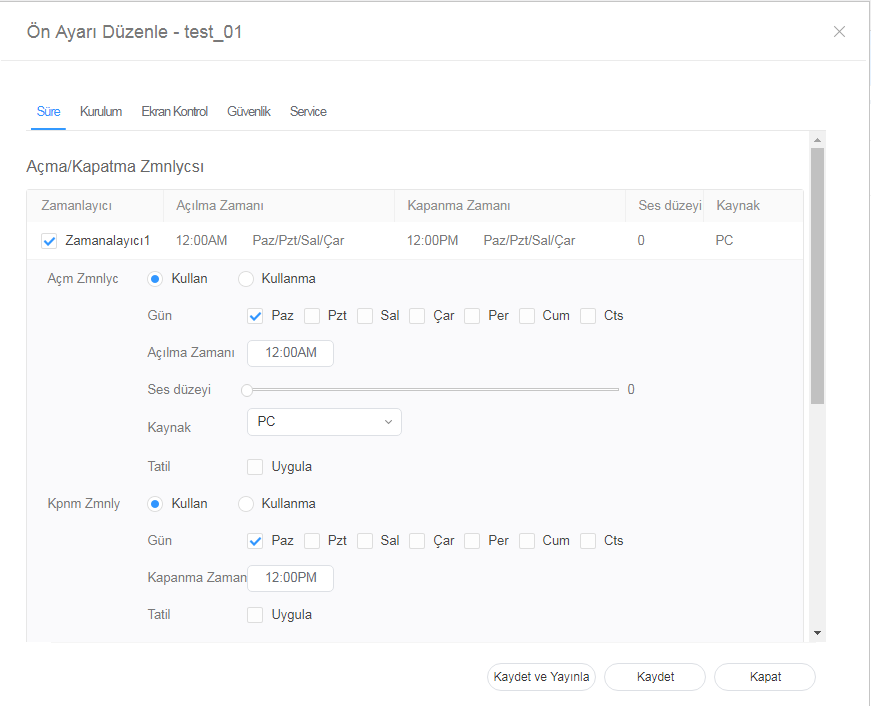
Editing preset settings
| |||||||
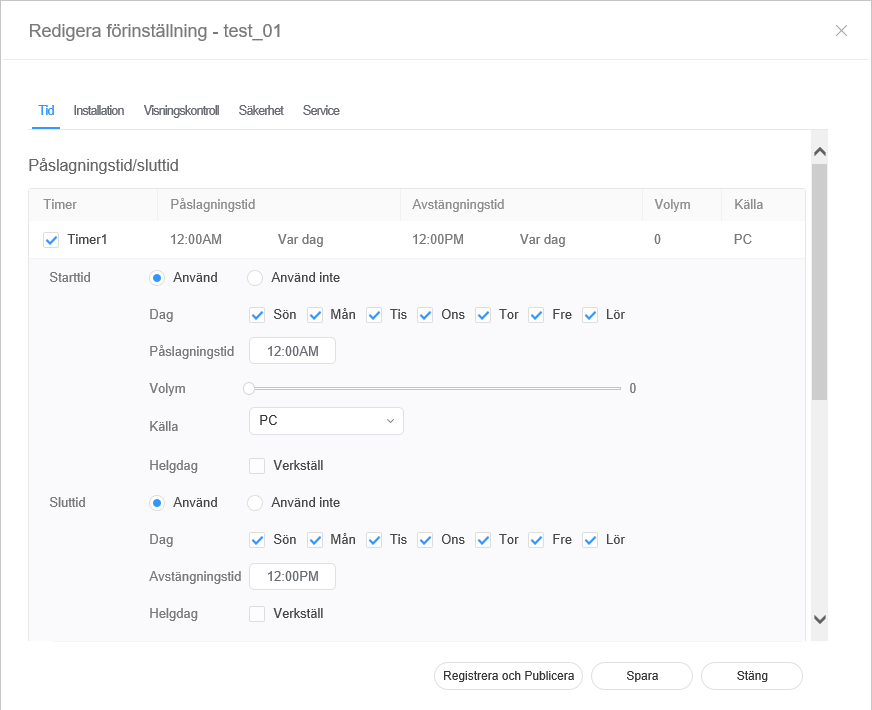
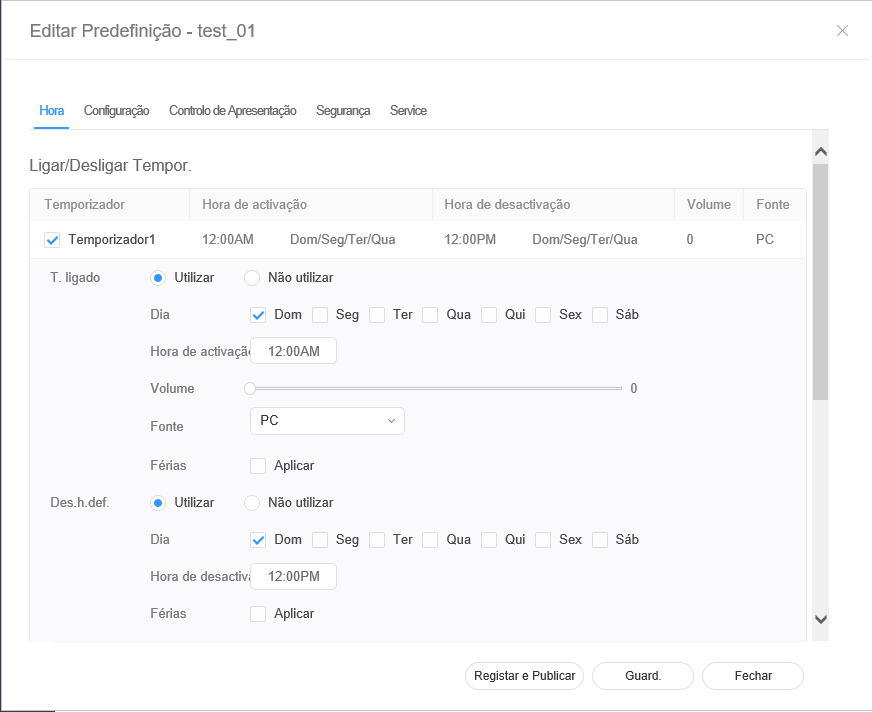
| On Timer | Set the time to turn on the device. To use the timer, select Use.
| ||||||
| Off Timer | Set the time to automatically turn off the device. To use the timer, select Use.
| ||||||
| Holiday management | Holiday: Set holidays to prevent the device from operating on specified days. |

|
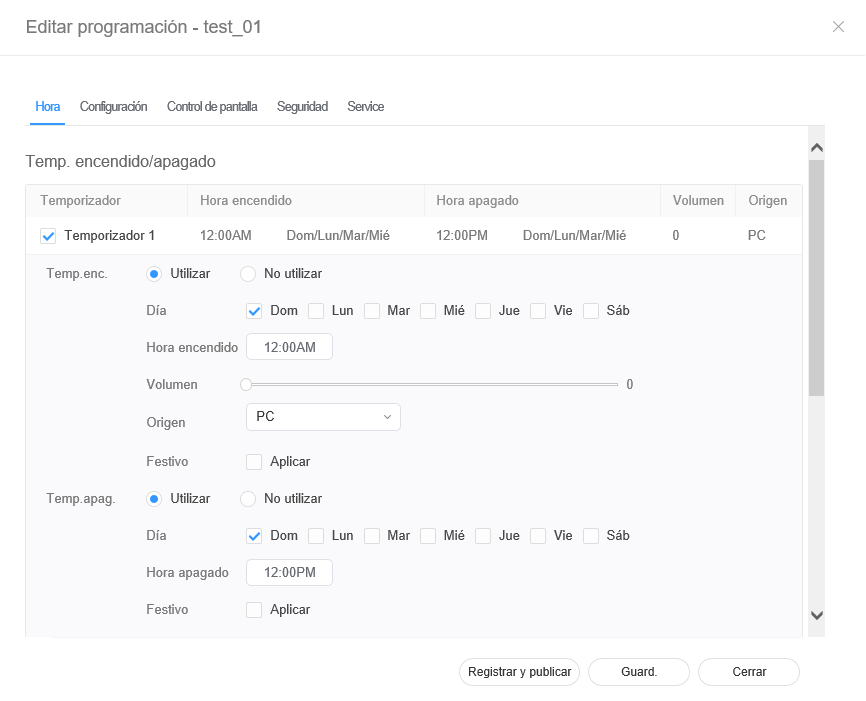
| Temp.enc. | establezca la hora a la que se encenderá el dispositivo. Para usar el temporizador, seleccione Utilizar.
|
| Temp.apag. | Establezca la hora a la que se apagará el dispositivo. Para usar el temporizador, seleccione Utilizar.
|
| Control de festivos | Festivo: asigne festivos para impedir al dispositivo que funcione en días concretos. |
Edición de ajustes de programación
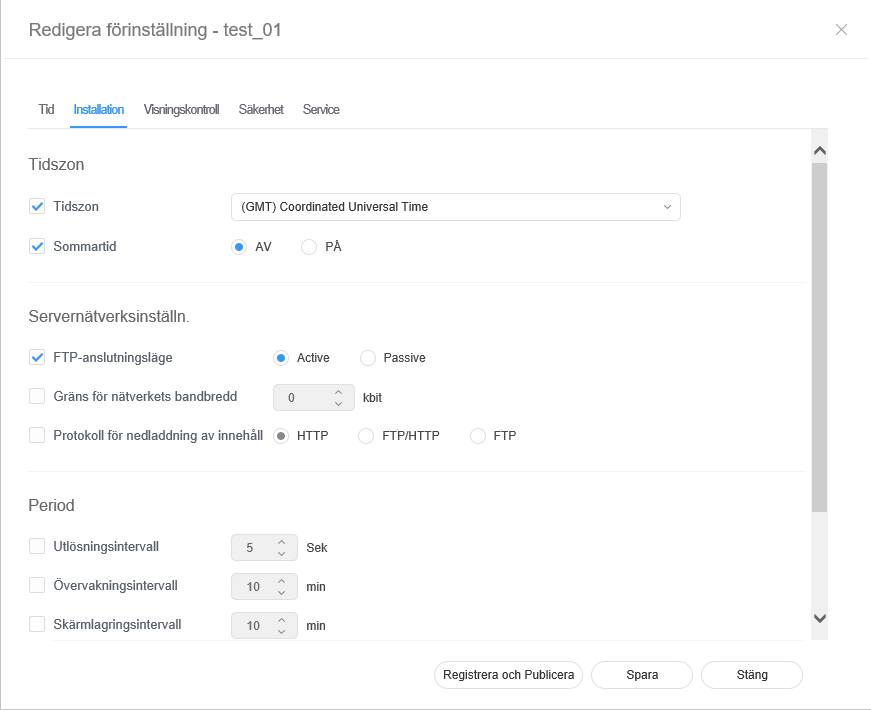
- Seleccione la pestaña Configuración en la ventana de editor de la programación.
Edite la información y haga clic en Guard..
Haga clic en Registrar y publicar para aplicar inmediatamente el valor establecido a un grupo.Stylesheet class screen 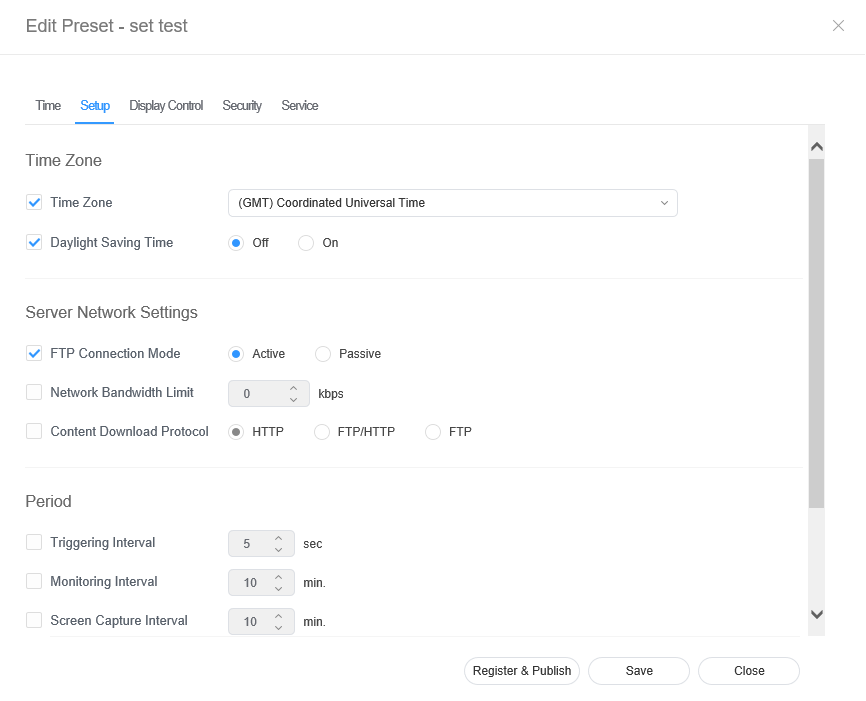
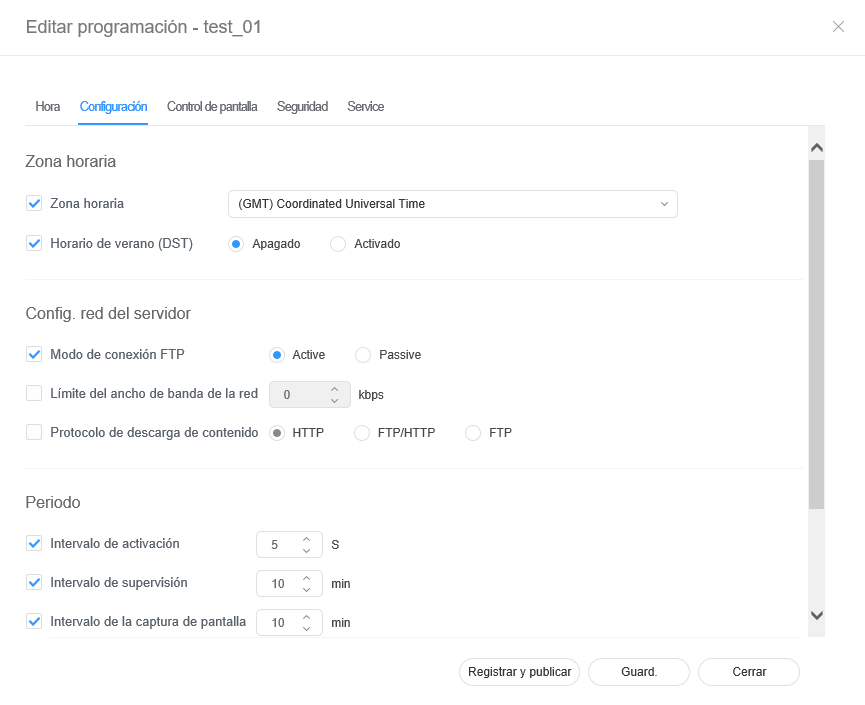
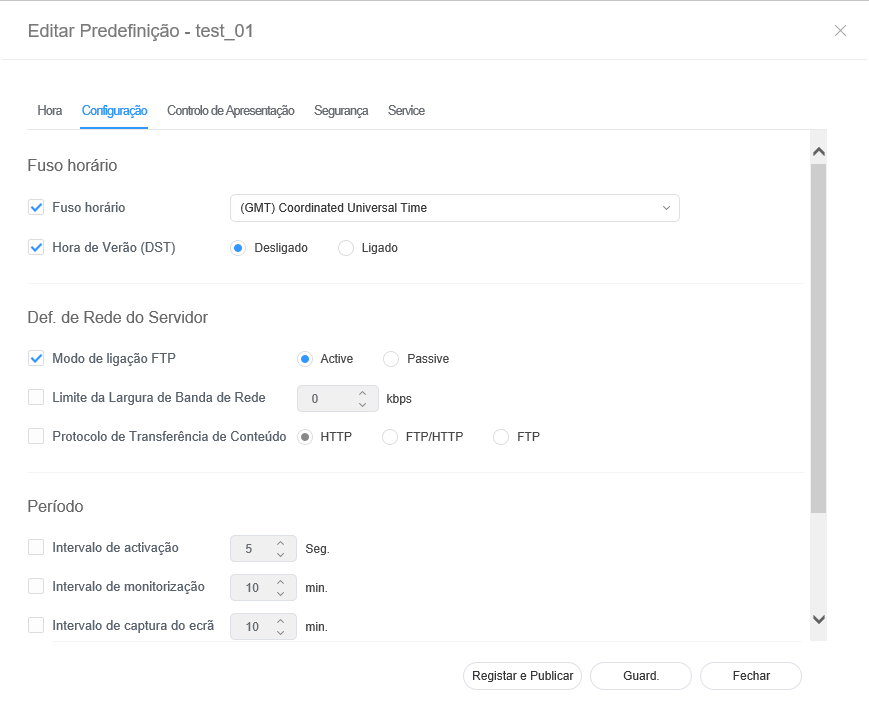
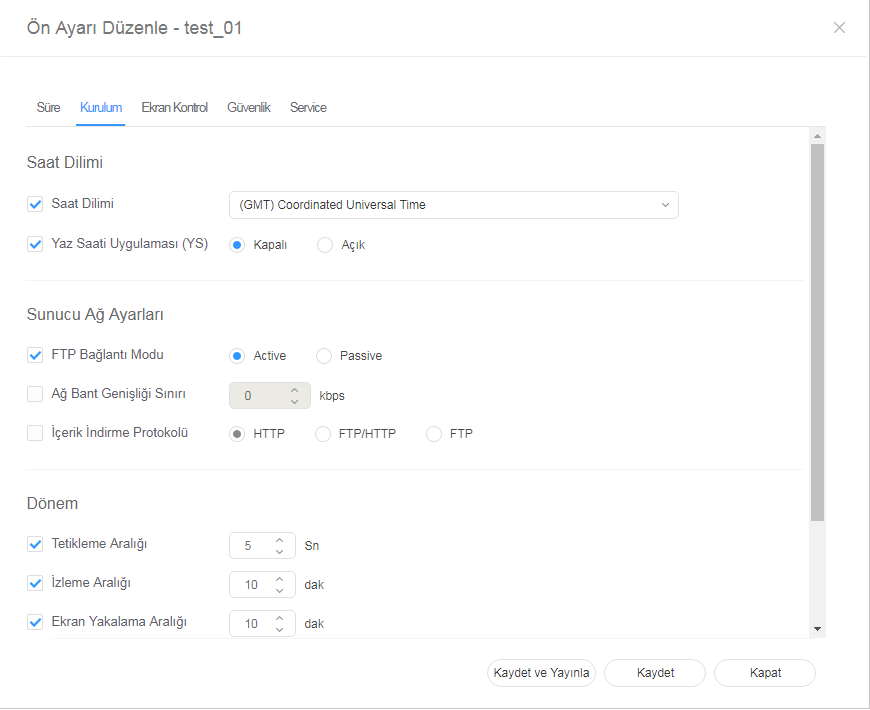
| Time Zone | Zona horaria |
| |||||
| Server Network Settings |
| ||||||
| Period |
|
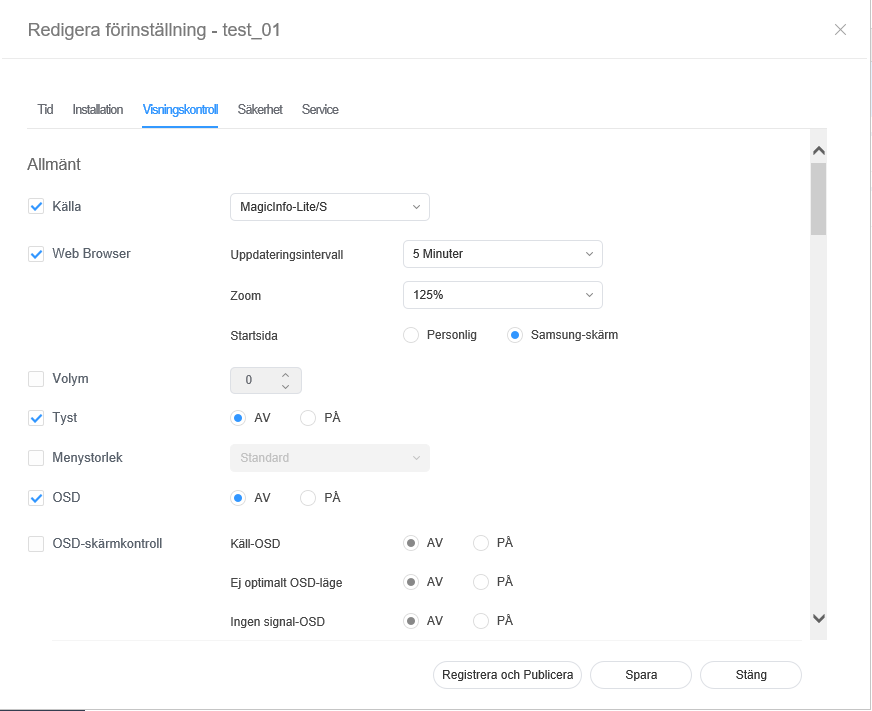
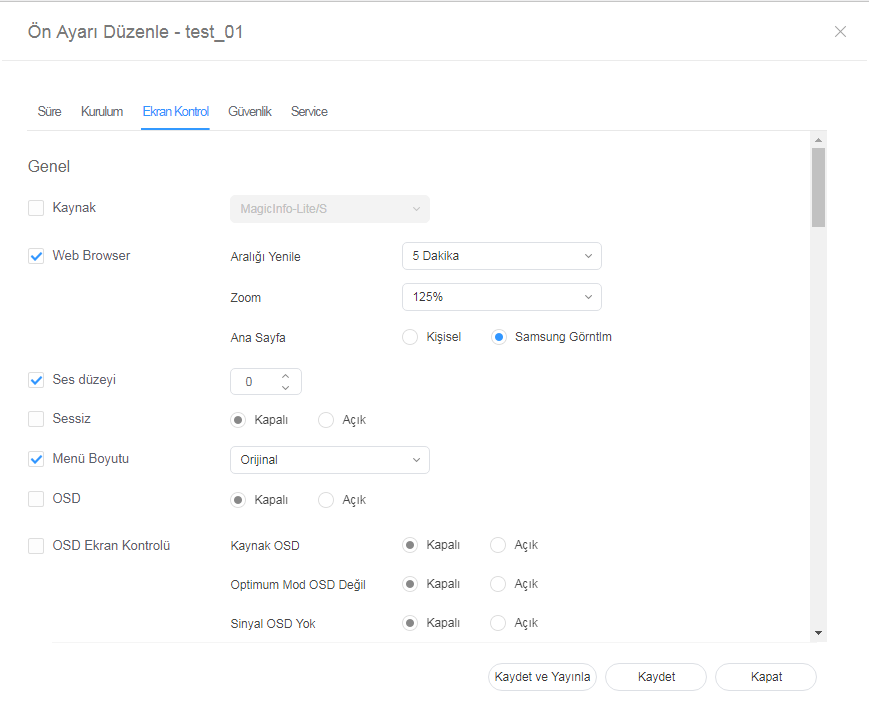
Editing preset display control
| |||
| Config. red del servidor |
| ||
| Periodo |
|
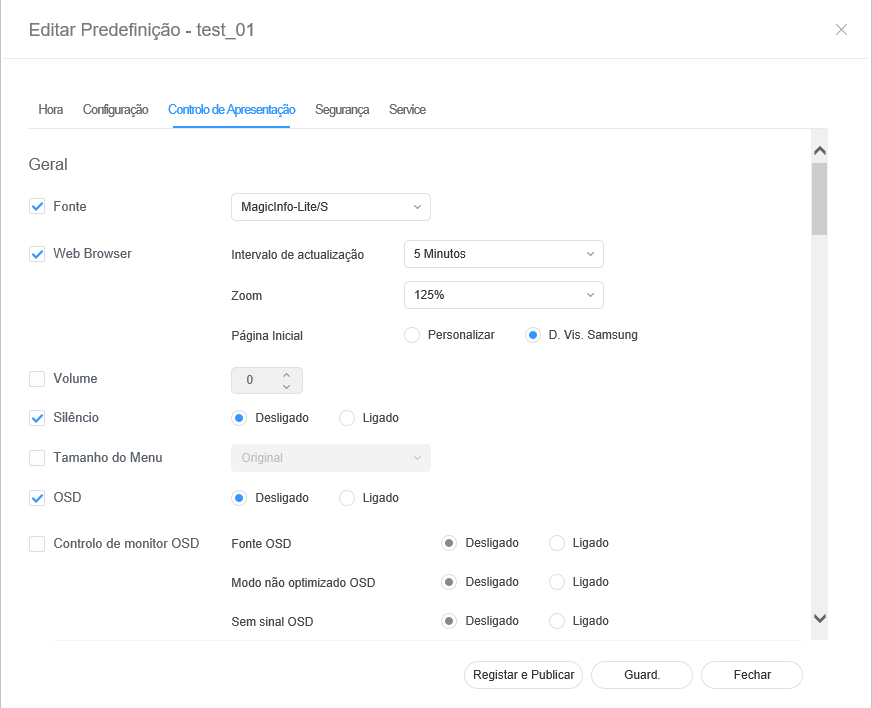
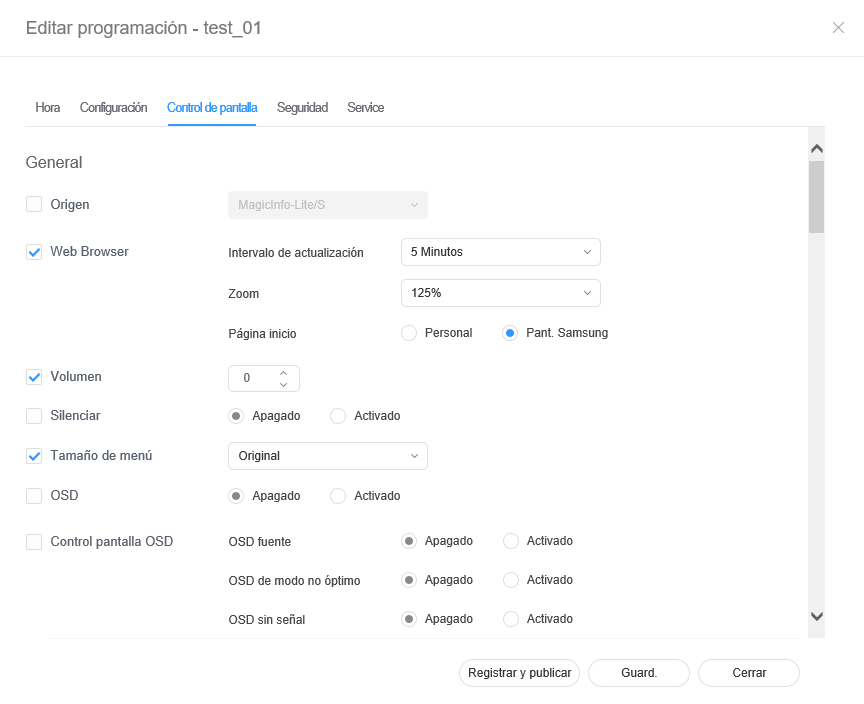
Edición del control de pantalla de programación
- Seleccione la pestaña Control de pantalla en la ventana de editor de la programación.
Edite la información y haga clic en Guard..
Haga clic en Registrar y publicar para aplicar inmediatamente el valor establecido a un grupo.- Select the Security tab from the edit preset window.
- Edit information and click Save. Click Register & Publish to immediately apply the set value to a group
Stylesheet class screen 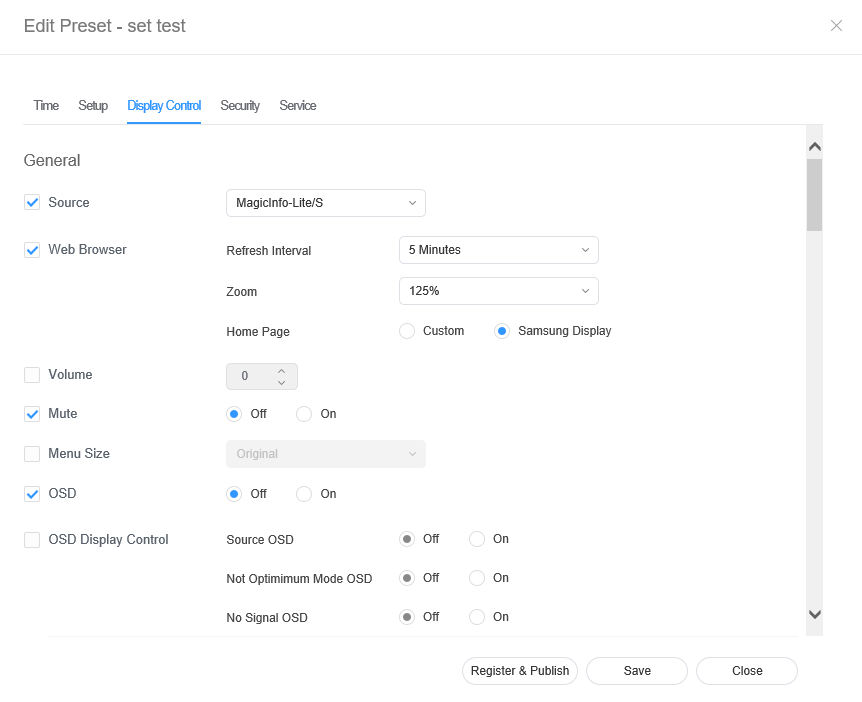
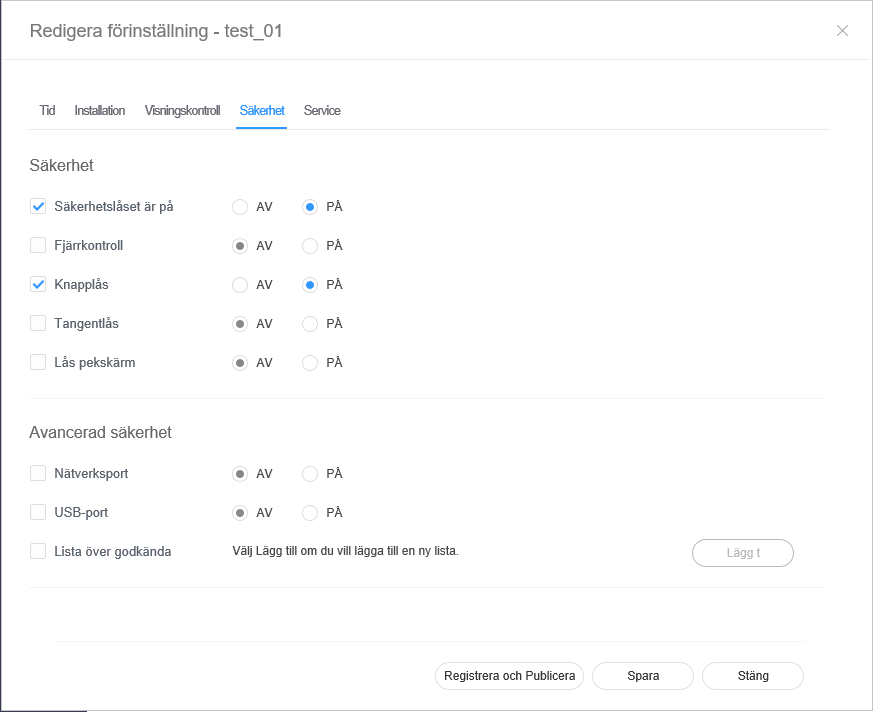
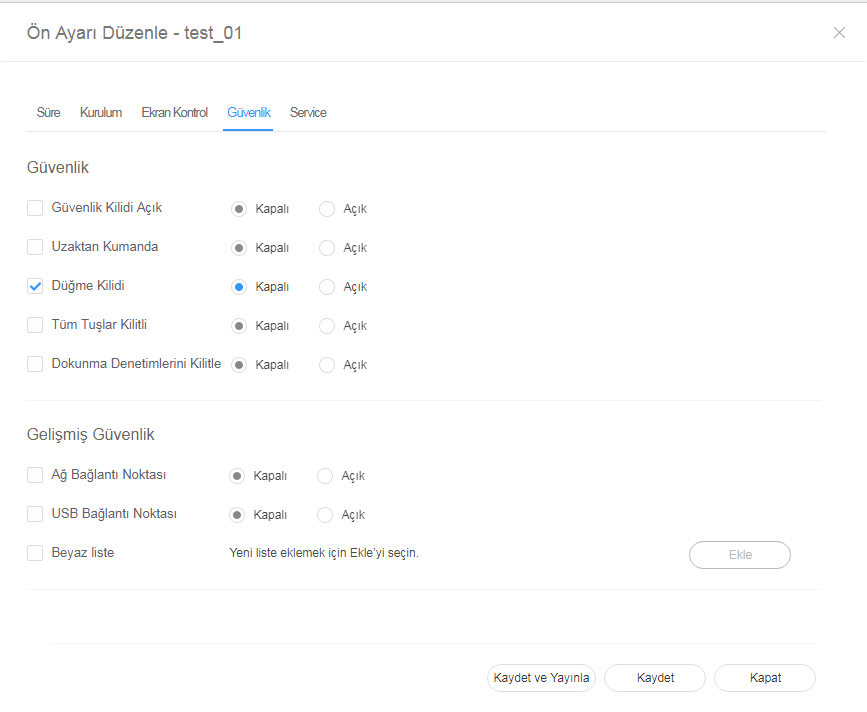
Editing preset security
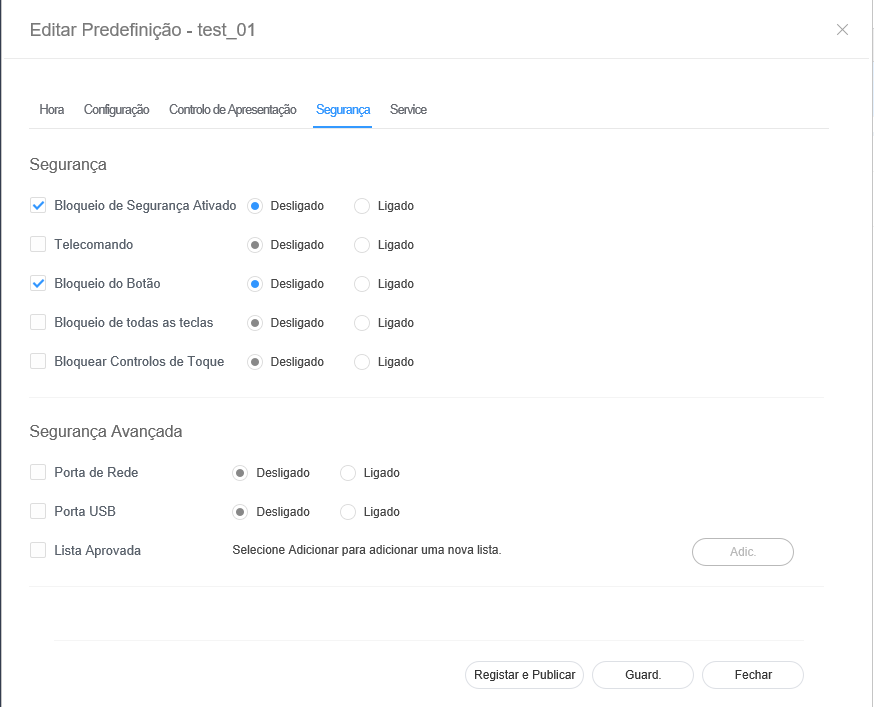
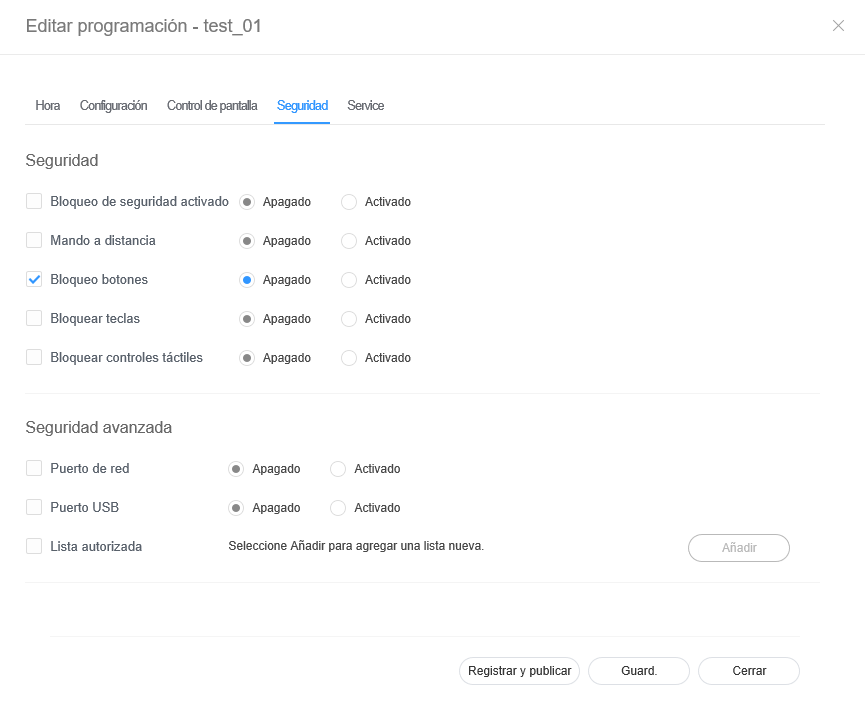
Edición de la seguridad de programación
- Seleccione la pestaña Seguridad en la ventana de editor de la programación.
Edite la información y haga clic en Guard..
Haga clic en Registrar y publicar para aplicar inmediatamente el valor establecido a un grupo.Stylesheet class screen 
| Sv translation | |||||||||||||||||||||||||||||||||||||
|---|---|---|---|---|---|---|---|---|---|---|---|---|---|---|---|---|---|---|---|---|---|---|---|---|---|---|---|---|---|---|---|---|---|---|---|---|---|
| |||||||||||||||||||||||||||||||||||||
Redigera förinställningsinformationen på något av följande sätt.
Redigera förinställningstid
Redigera förinställningar
Redigera förinställd skärmstyrning
Redigera förinställd säkerhet
|