Page History
| Sv translation | ||||||||||
|---|---|---|---|---|---|---|---|---|---|---|
| ||||||||||
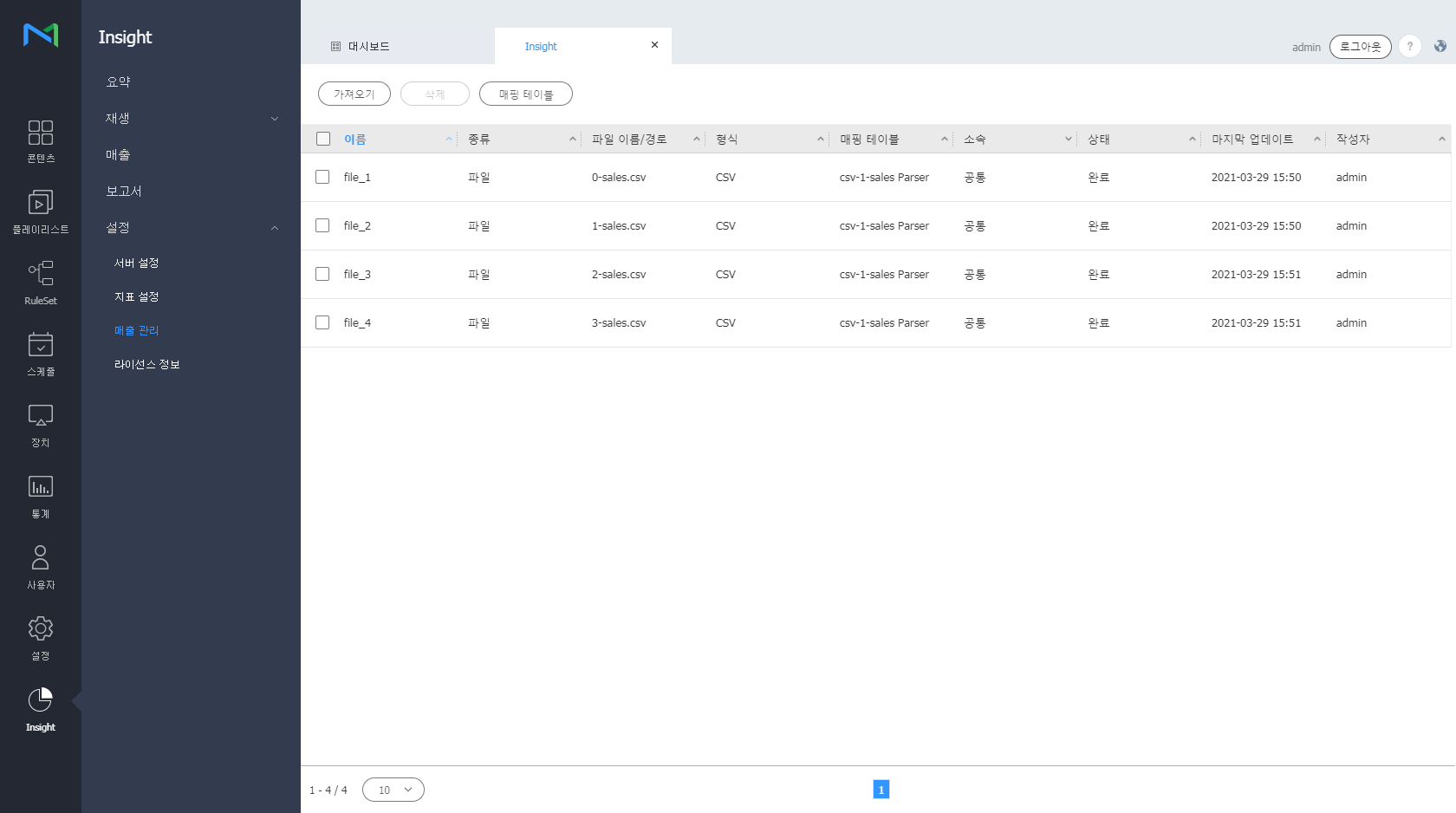
매출 데이터를 원하는 기준에 따라 매핑하여 편리하게 관리할 수 있으며, 매핑한 정보들은 Sales 대시보드에서 확인할 수 있습니다. Insight 화면 메뉴바에서 설정 > 매출 관리를 클릭하세요.
매출 데이터 매핑 테이블 추가하기
매출 데이터 가져오기
매출 데이터 삭제하기
|
...
|
| Sv translation | ||||||||||
|---|---|---|---|---|---|---|---|---|---|---|
| ||||||||||
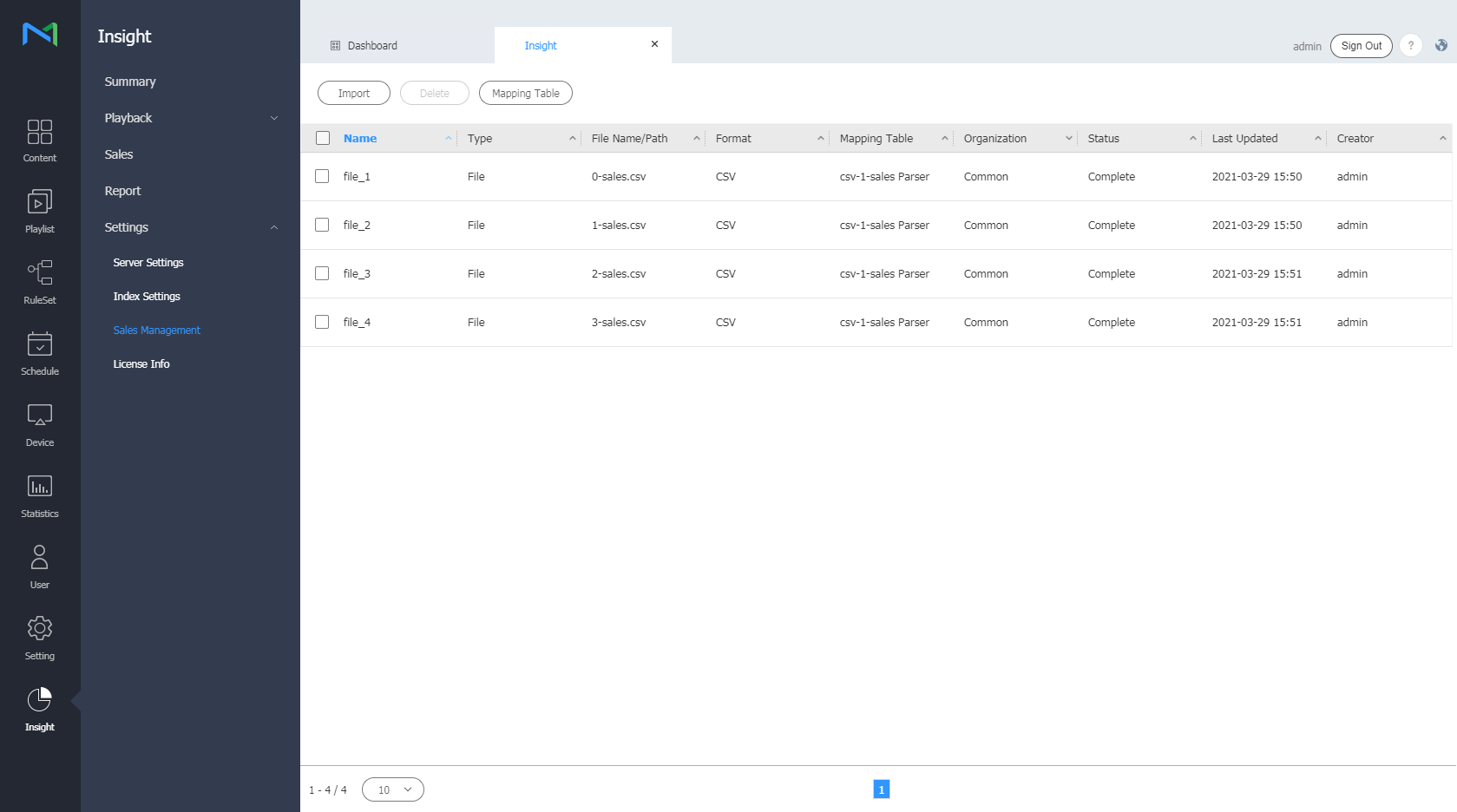
Manage sales data easily by mapping the data based on specific criteria. Mapped data can be viewed from the Sales dashboard. From the menu bar on the Insight screen, click Settings > Sales Management .
Adding a sales data mapping table
Importing sales data
Deleting sales data
|