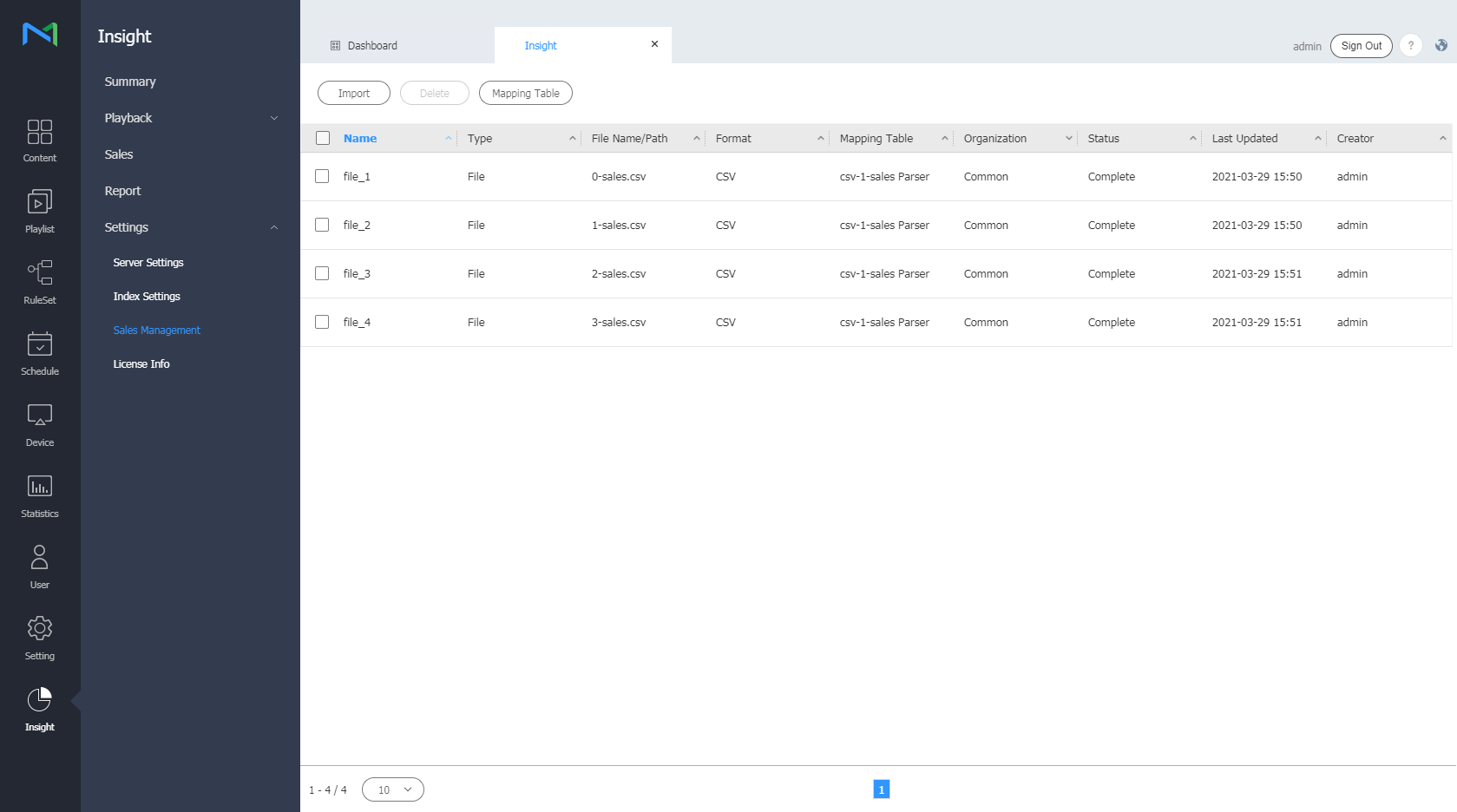
Manage sales data easily by mapping the data based on specific criteria. Mapped data can be viewed from the
Sales
dashboard.
From the menu bar on the Insight screen, click
Settings
>
Sales Management
.
Adding a sales data mapping table
- Click the
Mapping Table
button.
- Click the
Add
button.
- Enter a name and other information of the mapping table to add.
- Click the
Add
button at the bottom. The mapping table is added.
Importing sales data
- Click the
Import
button. A pop-up window appears.
-
Enter the sales data name, type, location, and mapping table information.
- The location and mapping information appears as a dropdown list if it was previously added.
- Click the OK button at the bottom. Sales data appears on the screen.
Deleting sales data
- Select the checkbox of the sales data brought from the list.
-
Click the
Delete
button. The data is deleted.
- To edit sales data, select the "
Name
" column from the list.
- Sales data can only be edited when Upload Type is set to Path.
|