Page History
| Sv translation | |||||||||
|---|---|---|---|---|---|---|---|---|---|
| |||||||||
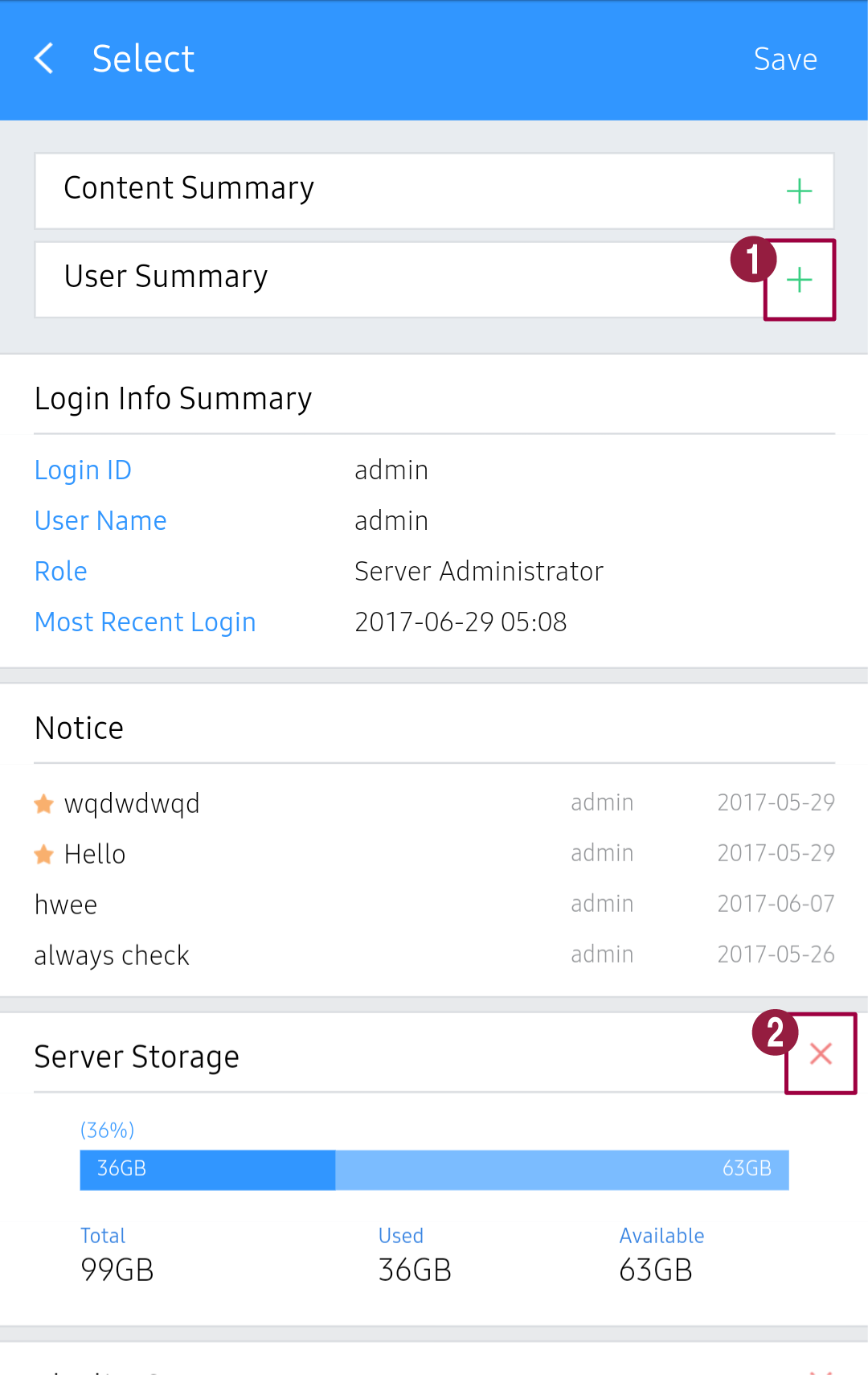
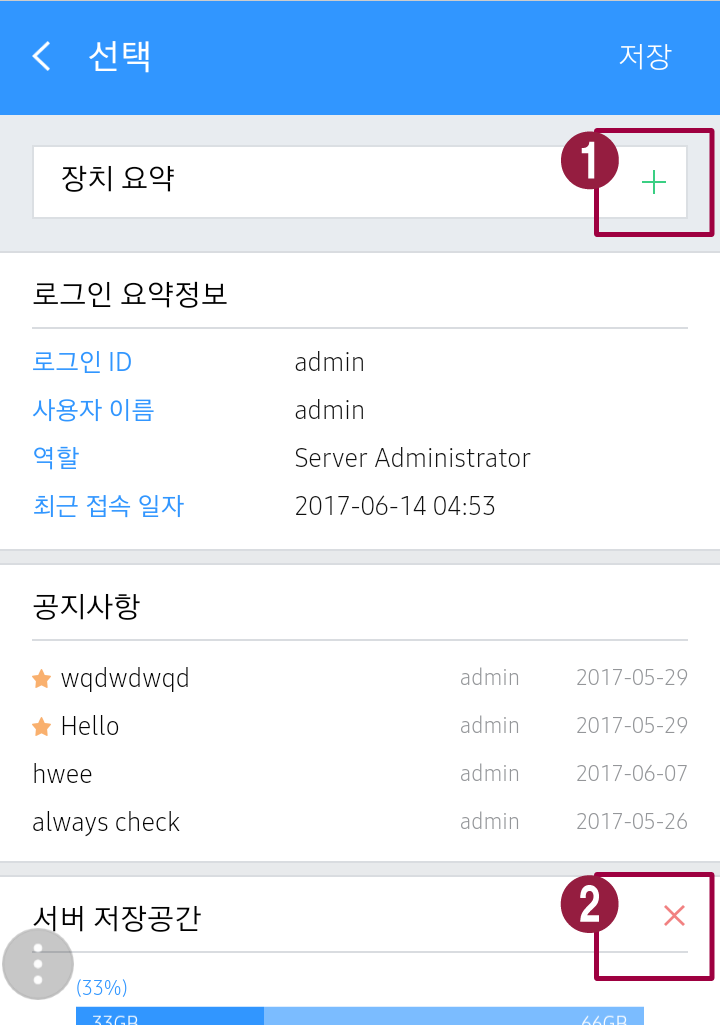
Mobile 대시보드에 미리 보기로 표시할 항목을 구성할 수 있습니다.
|
| Sv translation | |||||||||
|---|---|---|---|---|---|---|---|---|---|
| |||||||||
Mobile 대시보드에 미리 보기로 표시할 항목을 구성할 수 있습니다.  클릭하세요. 클릭하세요.Use a preview to specify items to be displayed in the Mobile dashboard.
|
| Sv translation | |||||||||
|---|---|---|---|---|---|---|---|---|---|
| |||||||||
Mobile 대시보드에 미리 보기로 표시할 항목을 구성할 수 있습니다.
|
| Sv translation | |||||||||
|---|---|---|---|---|---|---|---|---|---|
| |||||||||
Mobile 대시보드에 미리 보기로 표시할 항목을 구성할 수 있습니다. 클릭하세요.Use a preview to specify items to be displayed in the Mobile dashboard.
|