Page History
| Sv translation | |||||
|---|---|---|---|---|---|
| |||||
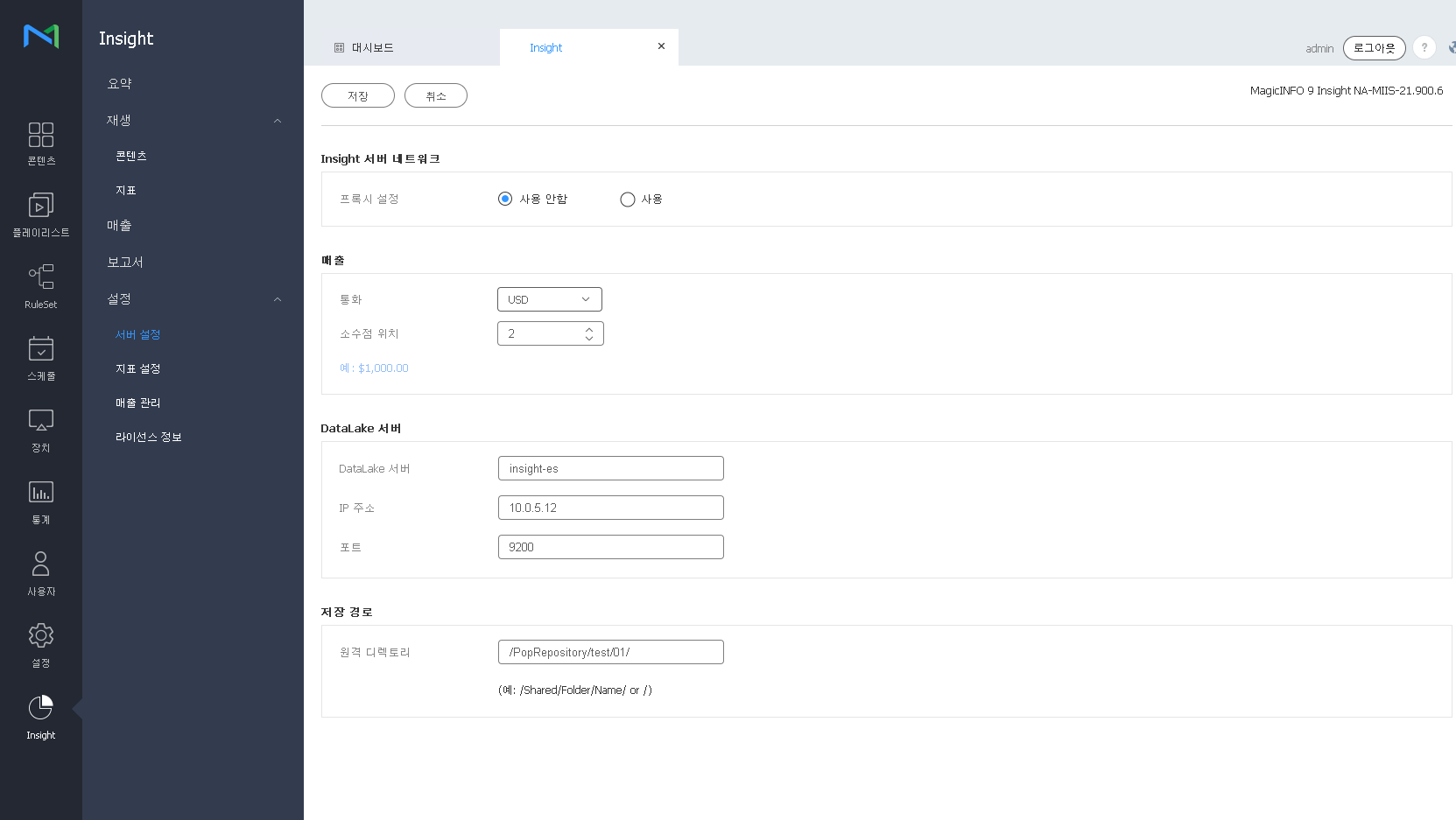
Insight 운영에 관한 환경 정보를 설정할 수 있습니다.
DataLake 접근정보 설정하기MagicINFO Insight Data Lake 접근 정보를 설정할 수 있습니다.
저장 경로 설정하기MagicINFO Insight 데이터의 저장 경로를 설정할 수 있습니다.
|
| Sv translation | |||||
|---|---|---|---|---|---|
| |||||
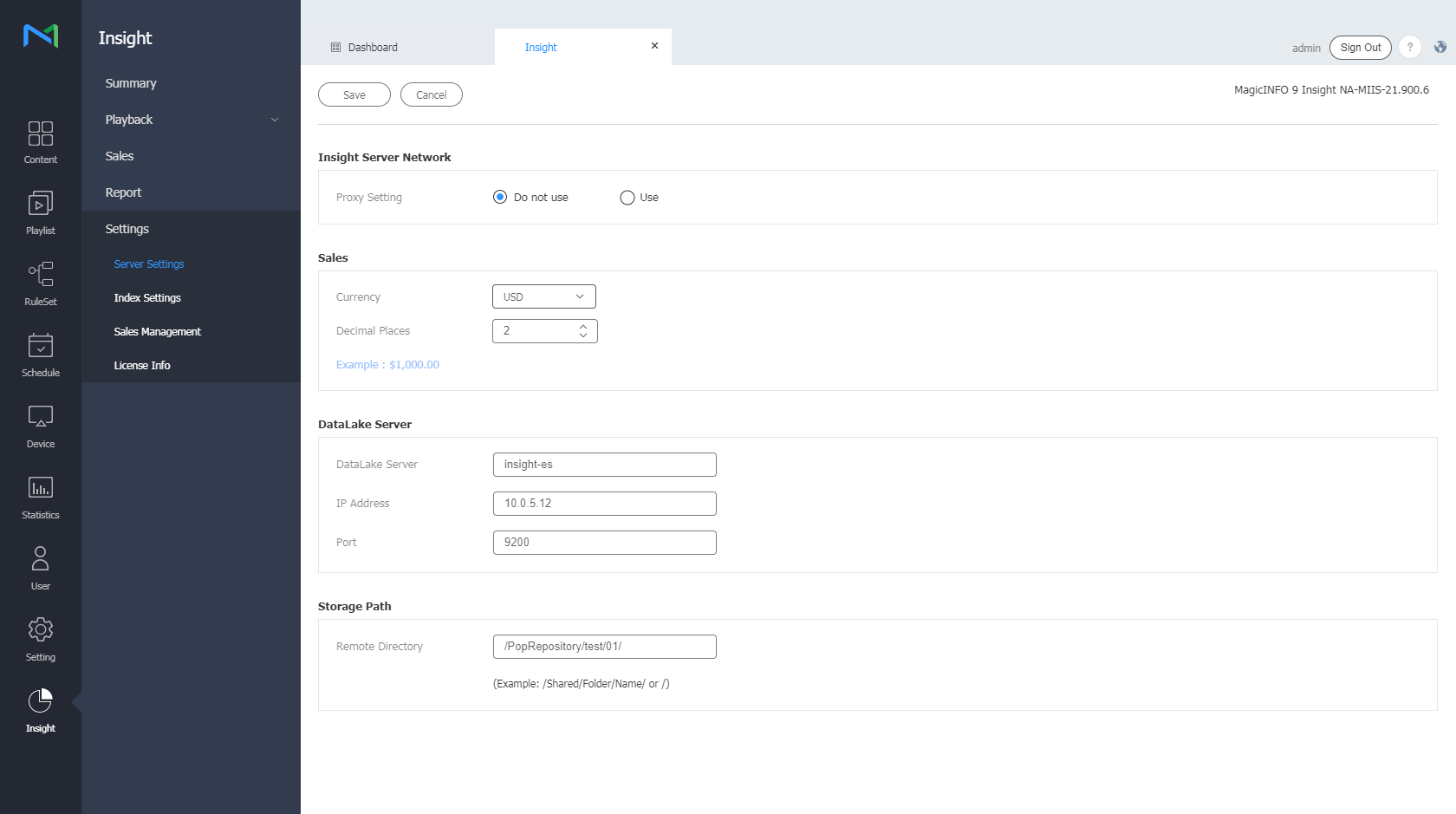
Configure settings in relation to operation of Insight.
Configuring DataLake access settingsConfigure MagicINFO Insight DataLake access settings.
Changing the save destination folderChange the destination folder to which MagicINFO Insight data is saved.
|