Page History
| Sv translation | |||||||||||
|---|---|---|---|---|---|---|---|---|---|---|---|
| |||||||||||
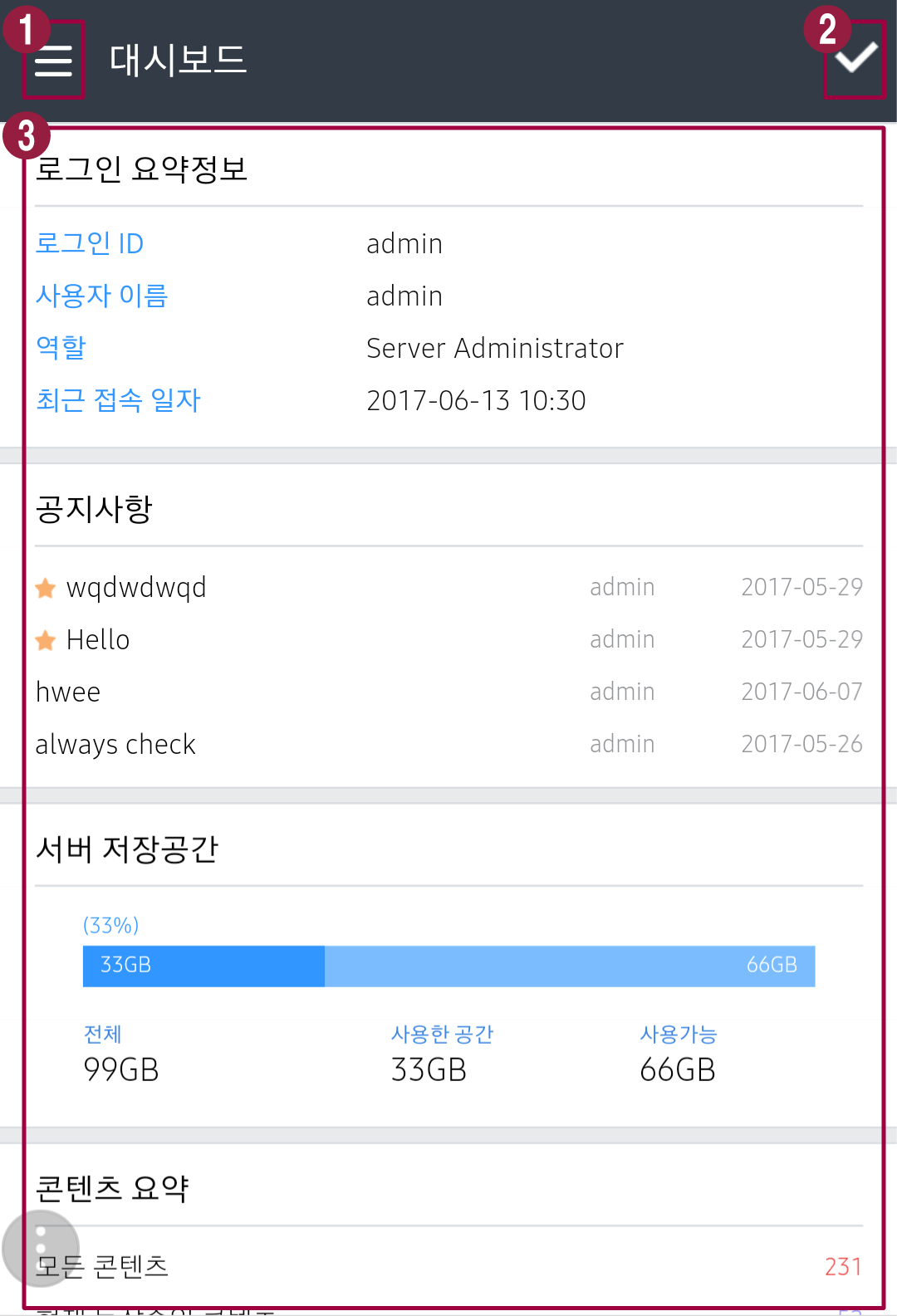
로그인하면 대시보드가 기본 화면으로 나타납니다.
|
| Sv translation | |||||||||||
|---|---|---|---|---|---|---|---|---|---|---|---|
| |||||||||||
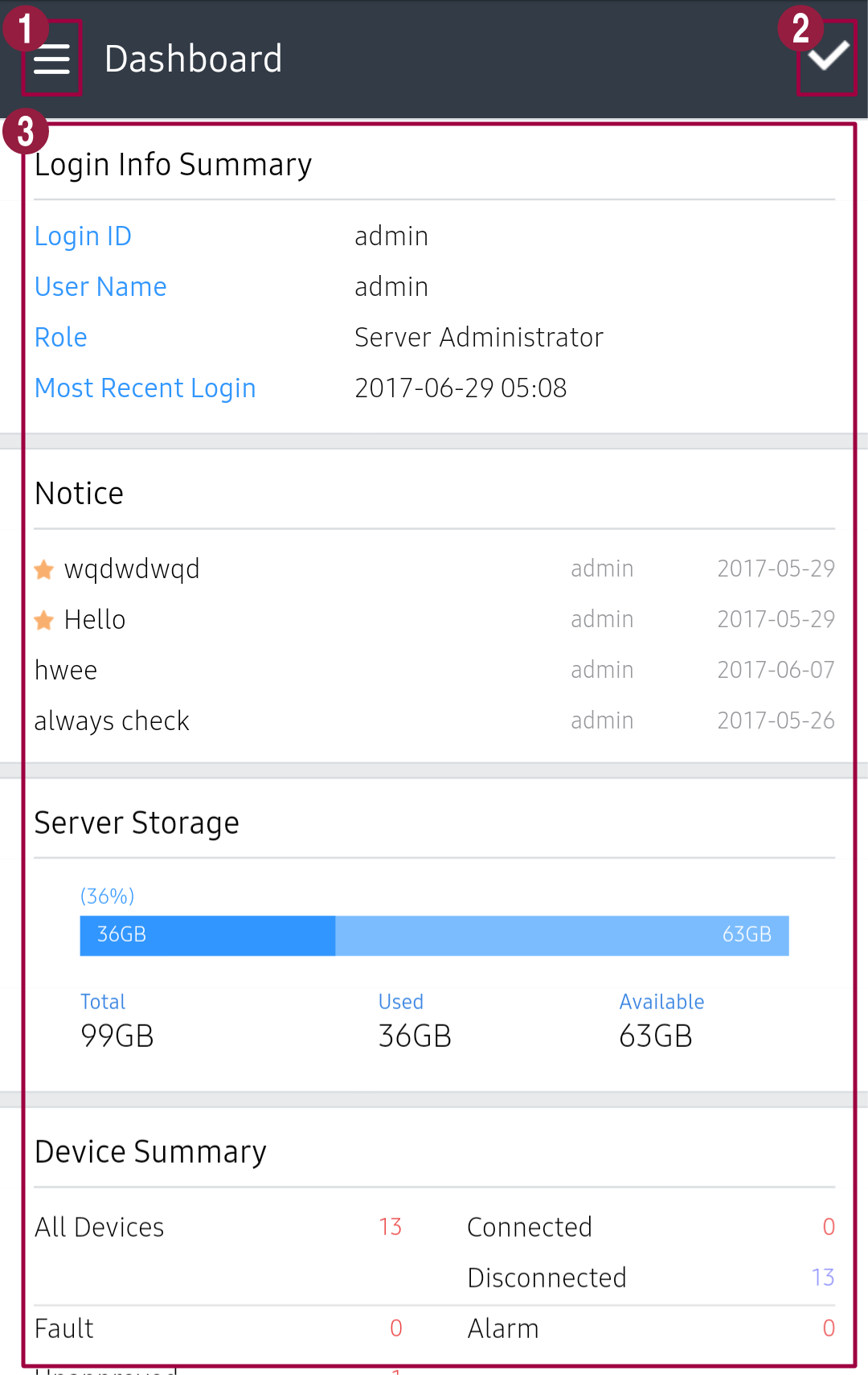
When you are logged in, the dashboard screen appears by default.
|
| Sv translation | |||||||||||
|---|---|---|---|---|---|---|---|---|---|---|---|
| |||||||||||
로그인하면 대시보드가 기본 화면으로 나타납니다.
|
| Sv translation | |||||||||||
|---|---|---|---|---|---|---|---|---|---|---|---|
| |||||||||||
When you are logged in, the dashboard screen appears by default.
|