Versions Compared

Key

  • This line was added.
  • This line was removed.
  • Formatting was changed.

...

Sv translation
languageen

Adding preset


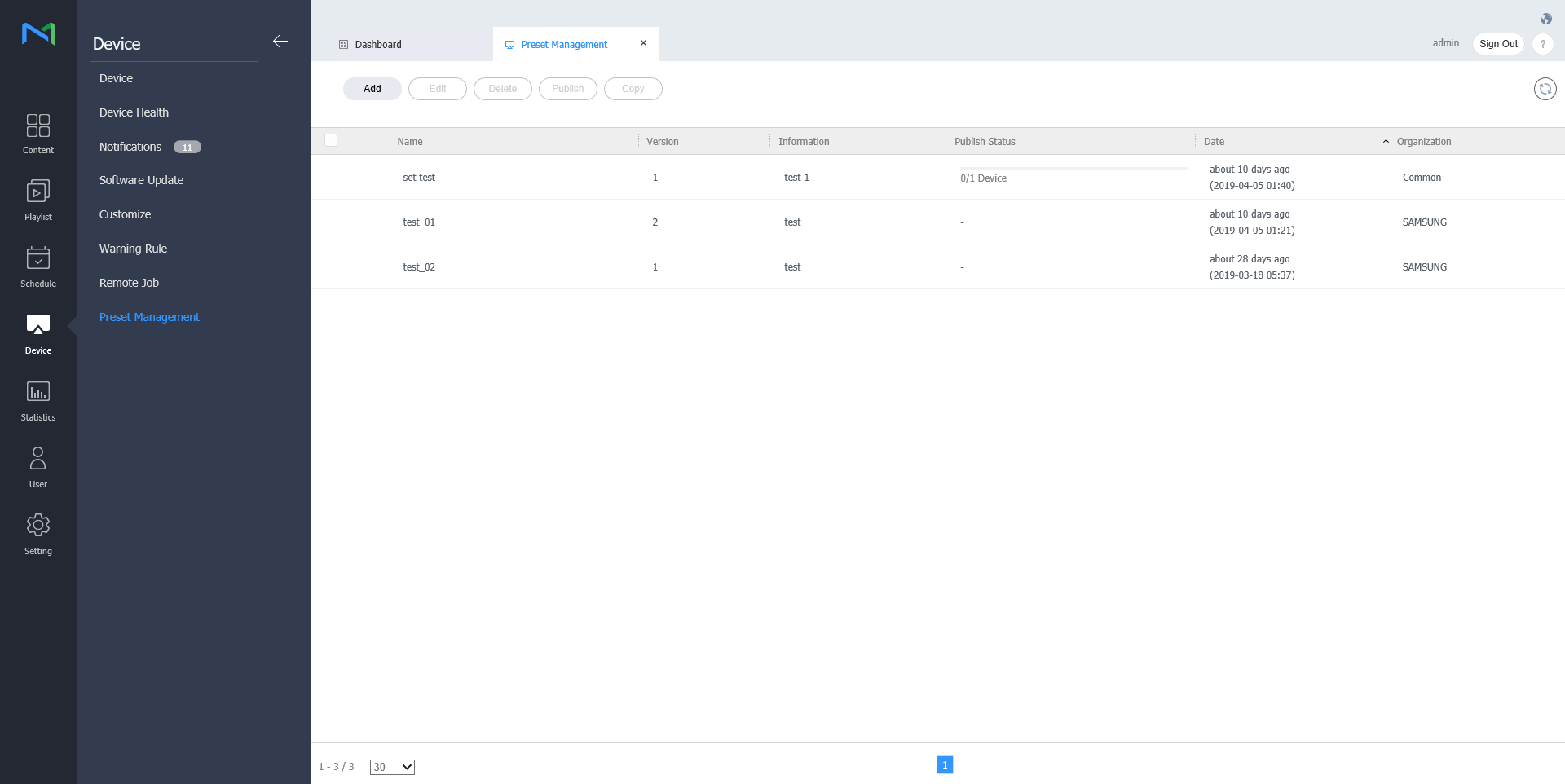
  1. Click on Add from the device list.

    Stylesheet
    classscreen
    Image Modified
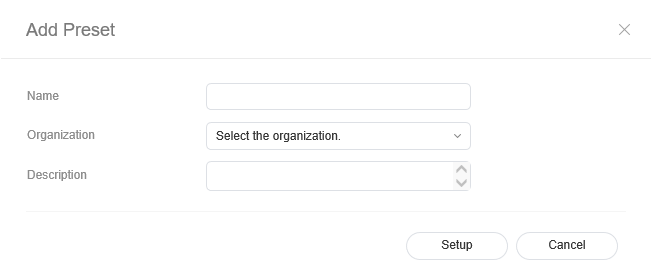
  2. Enter name, organization and description when the add preset setting window appears and click Setting.

    Stylesheet
    classscreen

Deleting preset


  1. Select a preset to delete from the preset list and click Delete.

  2. Click OK to delete the selected preset.

Publishing preset


  1. Select a preset from the preset list and click Publish.
  2. Select a device to which you want to publish the preset setting and click Save.

Copying preset


  1. Select a preset from the preset list and click Copy
  2. Enter name, organization and description when the save as window appears and click Save.


...