
Page History
...
| Sv translation | ||||||
|---|---|---|---|---|---|---|
| ||||||
使用以下方式之一编辑预设信息。
编辑预设时间 | Holiday management | Holiday: Set holidays to prevent the device from operating on specified days.
| Stylesheet | ||
|---|---|---|
| ||
|

Set the time to turn on the device. To use the timer, select Use.
- Day: Select day(s) of the week to repeat the timer.
- On Time: Set the time to turn on the device.
- Volume: Set the device volume to apply when it turns on.
- Source: Select an input source to apply when the device turns on.
- Holiday: Specify whether to use holidays.
Set the time to automatically turn off the device. To use the timer, select Use.
- Day: Select day(s) of the week to repeat the timer.
- Off Time: Set the time to turn off the device.
- Holiday: Specify whether to use holidays.
开机定时器 设置打开设备的时间。要使用定时器,请选择 使用。
- 天:设置星期几重复定时器。
- 定时:设置打开设备的时间。
- 音量:设置设备打开时要应用的音量。
- 信号源:选择设备打开时要应用的输入源。
- 假日:指定是否使用假日。
关机定时器 设置关闭设备的时间。要使用定时器,请选择 使用。
- 天:设置星期几重复定时器。
- 关闭时间:设置关闭设备的时间。
- 假日:指定是否使用假日。
假日管理 假日:指定假日,让设备在指定的日期不运行。
Editing preset settings
- Select the Setup tab from the preset editor window.
Edit information and click Save. Click Register & Publish to immediately apply the set value to a group.
Stylesheet class screen 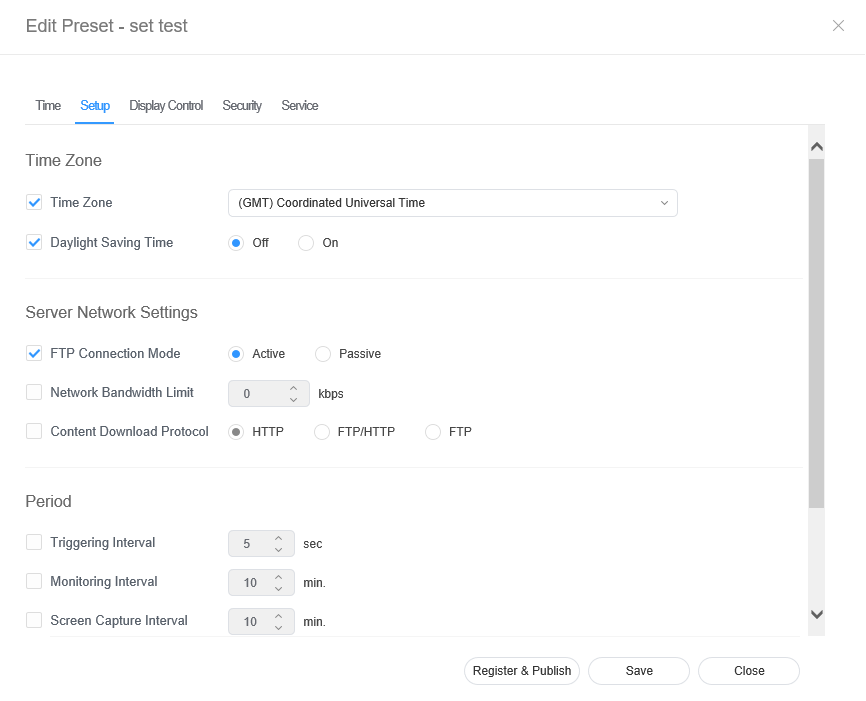
| Time Zone |
| |||||
| Server Network Settings |
| |||||
| Period |
|
Editing preset display control
- Select the Display Control tab from the preset editor window.
Edit information and click Save. Click Register & Publish to immediately apply the set value to a group.
Stylesheet class screen 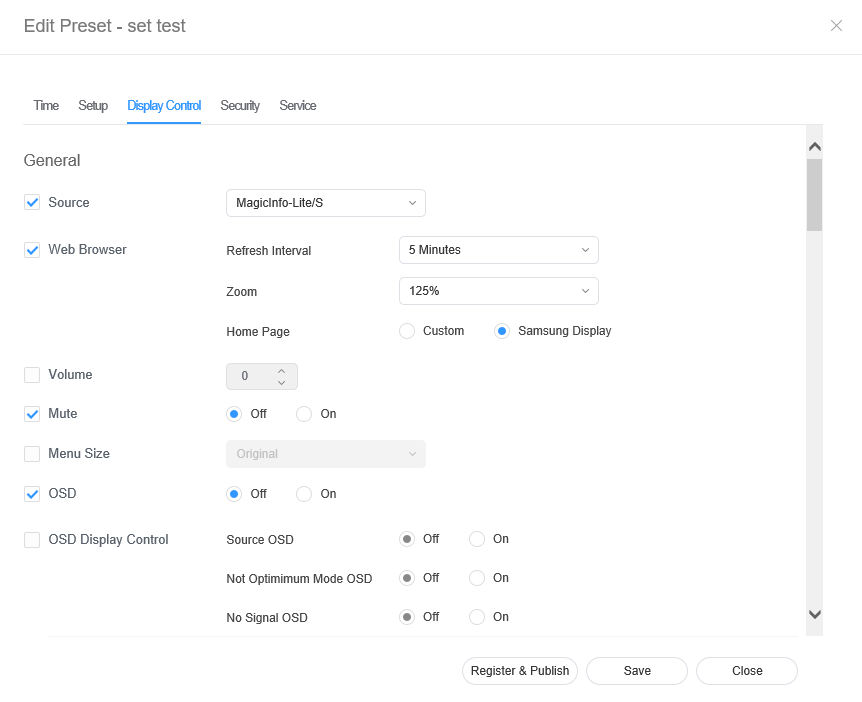
Editing preset security
- Select the Security tab from the edit preset window.
Edit information and click Save. Click Register & Publish to immediately apply the set value to a group.
Stylesheet class screen 