changes.mady.by.user user-f347e
Saved on Apr 20, 2018
...
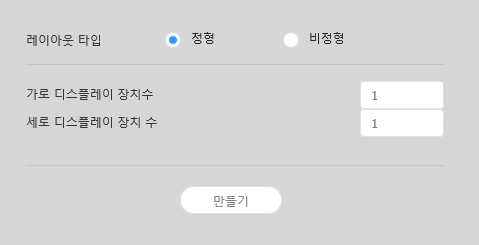
Configuring layouts depends on the selected layout type. This user manual is based on the irregular type.
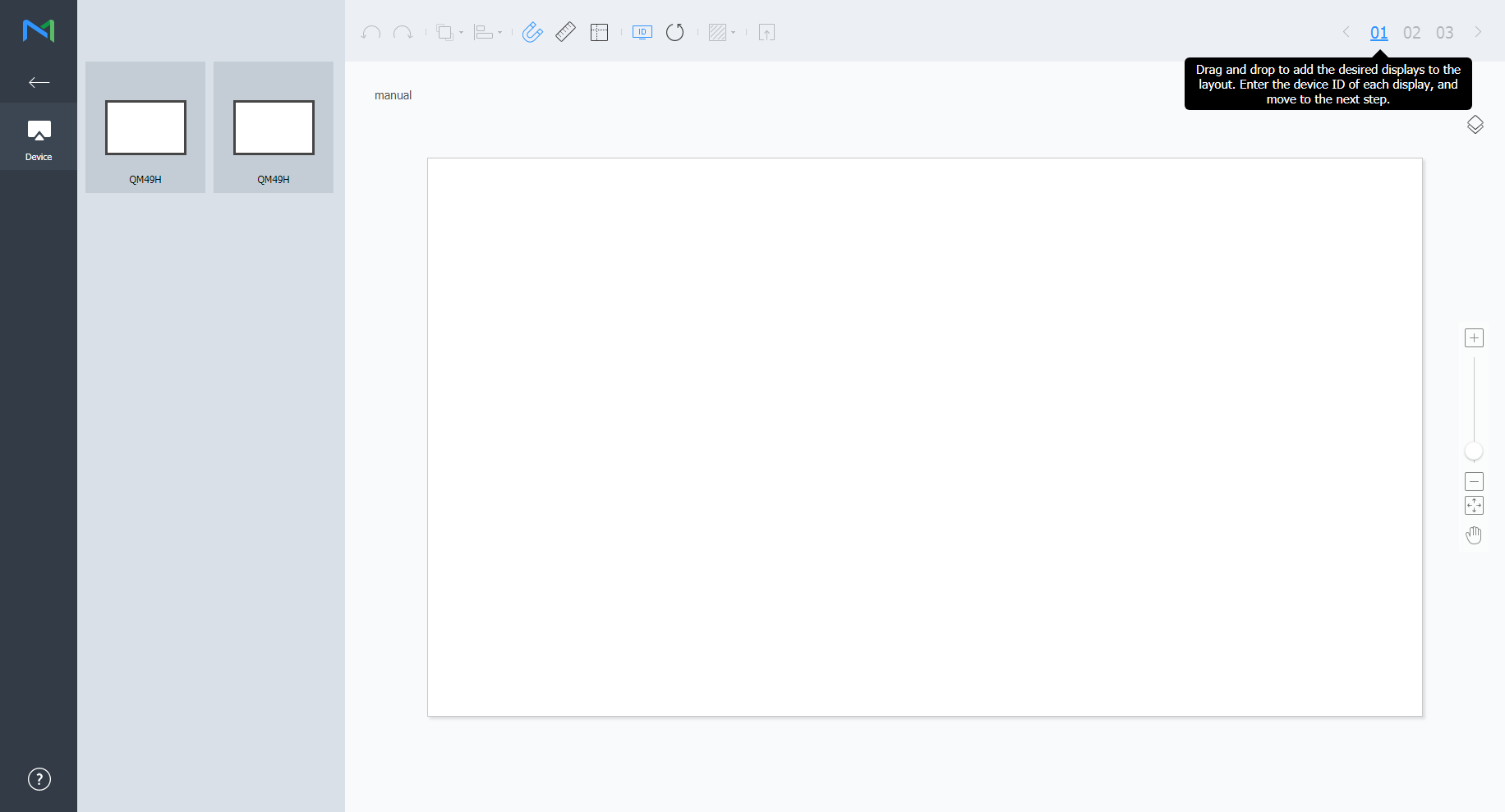
Select devices from the list and drag them into the editor section.
This step will not be available if you chose the the regular type for your layout.
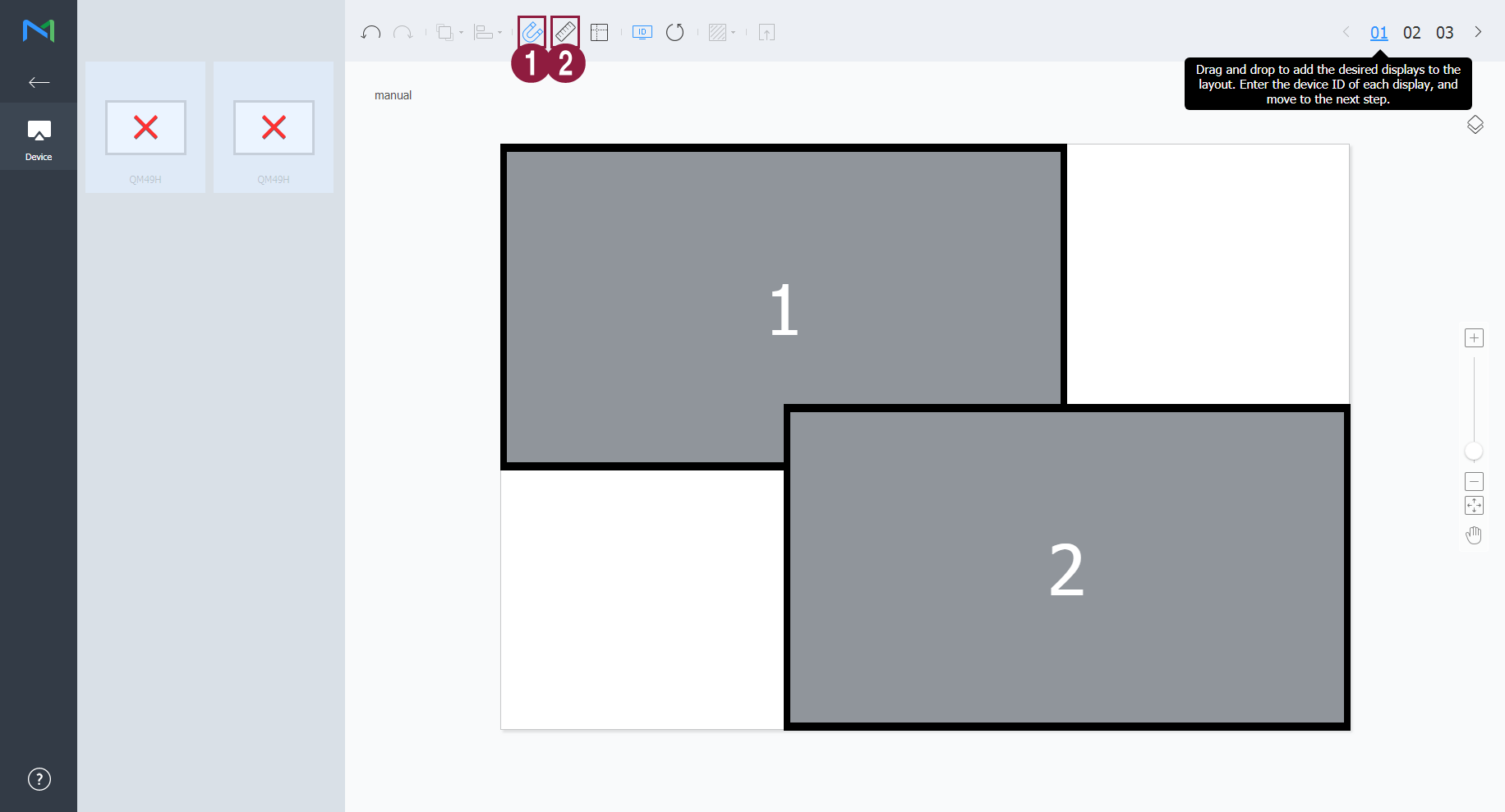
Enter the device ID for each device and click 02.
Adjust the device positions and click 03.
Image Modified: Adjust the aspect ratio and position of the editor to fit the window to overview devices.
Image Modified: Move the selected device.