Troubleshooting



Registering Technical Inquiries
For complex technical issues or user-specific problems that cannot be resolved with
VXT Assistant, submit inquiries to VXT Technical Support.
Navigate to the Tech Inquiry menu to register inquiries or view inquiries registered by other users.
-
On the VXT CMS Home screen, click
 and then select Settings.
 -
On the left side of the screen, click Tech Inquiry in the menu tab.
-
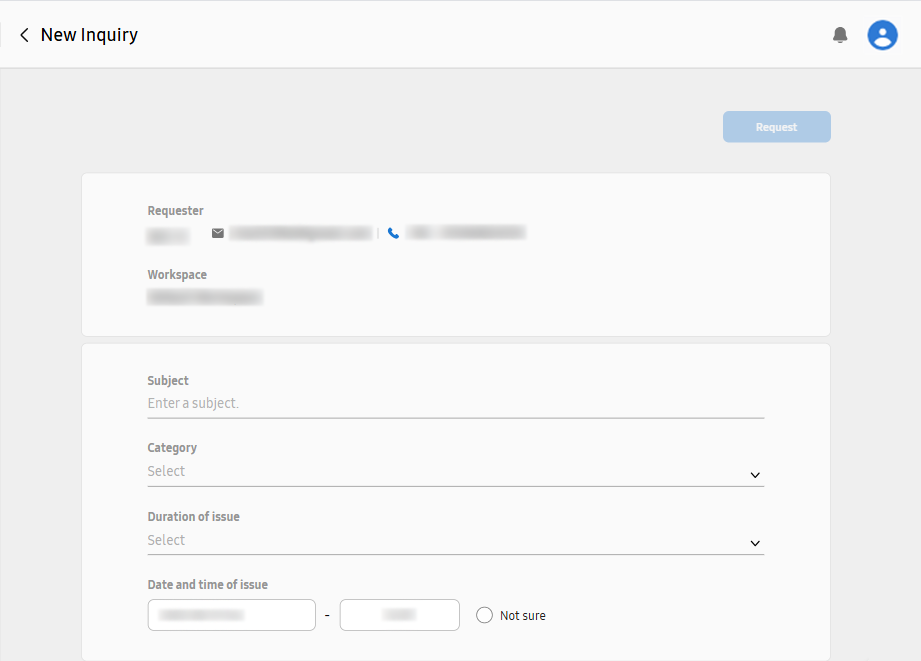
Click the New Inquiry button.
-
Type your inquiry.
-
At the top of the screen, click the Request button to register the inquiry.