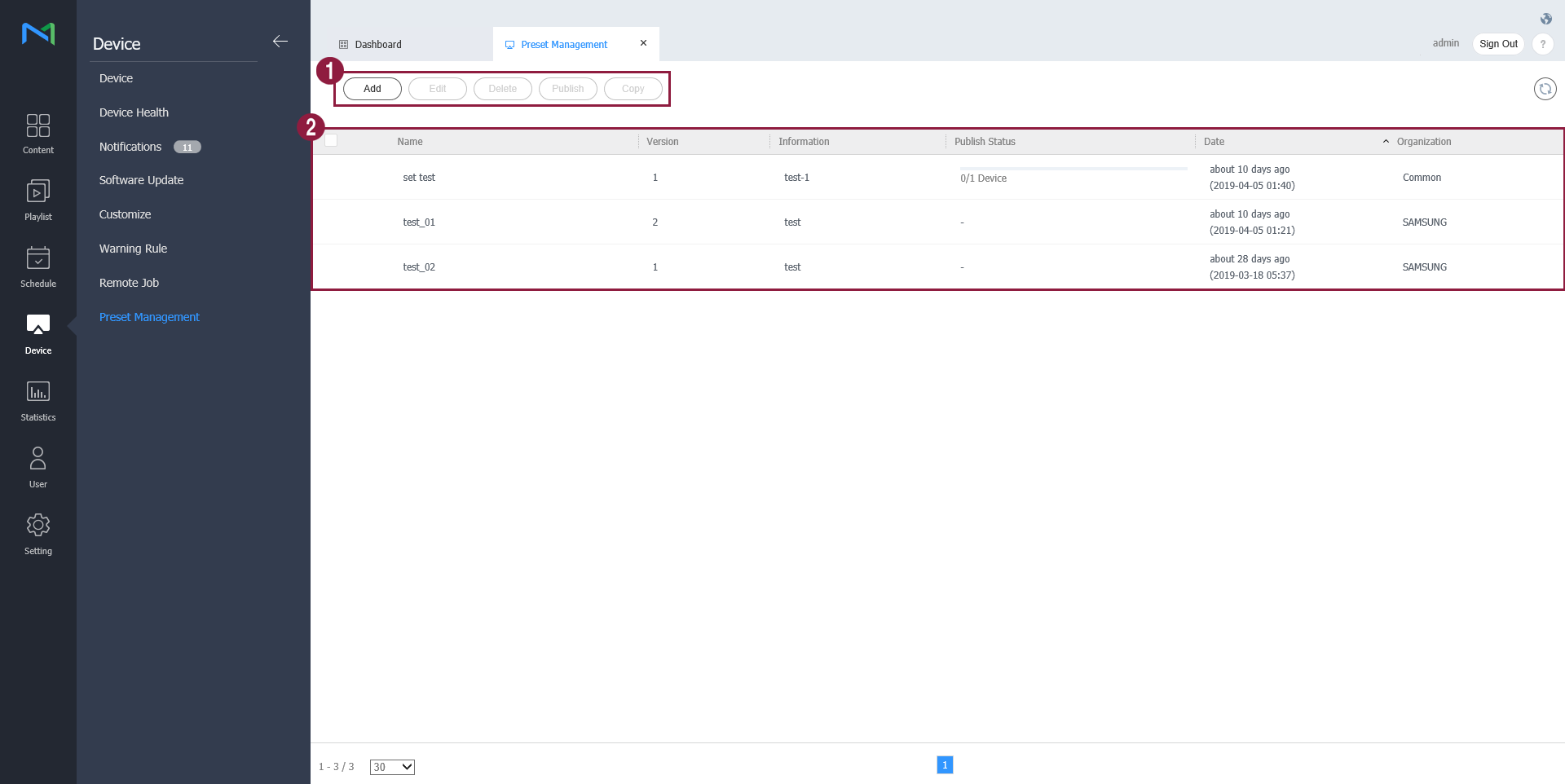
You can add, edit, delete, publish and copy presets, and view details of the registered presets.1Add: Add preset setting.Edit: Edit the selected preset setting.Delete: Delete the selected preset setting.Publish: Publish the selected preset setting.Copy: Copy the selected preset setting.2Name: View the preset name.Version: View the preset version.Information: View detailed information of the preset.Publish status: View the publish status of the preset.Date: View added dates of the preset.Organization: View organization information of the preset.