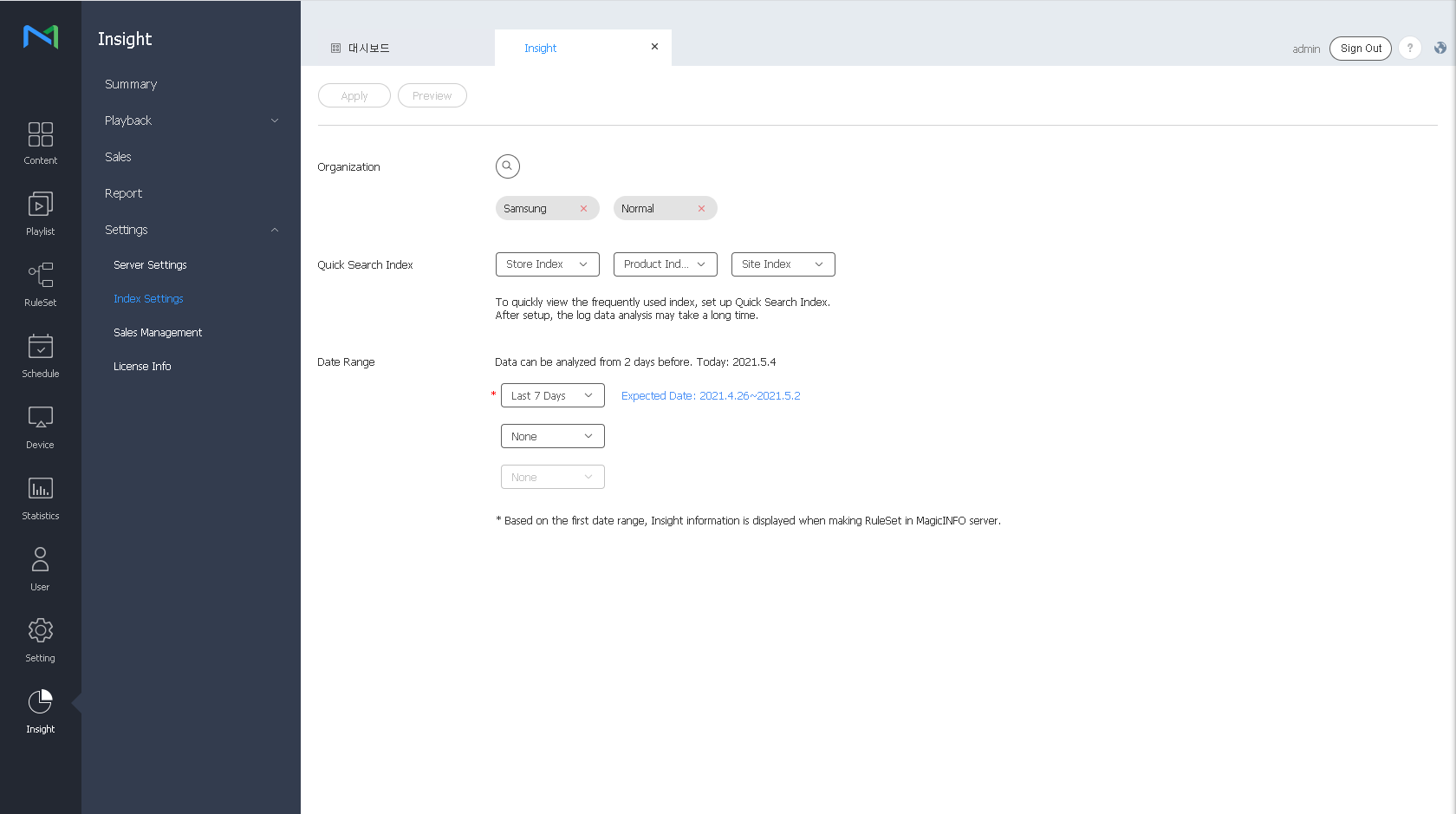
Select the key indexes to analyze. You can select a maximum of three key indexes for quick search. You can also set the period to analyze data by using the Date Range option. Data collected until two days ago is analyzed.
|
|
It is possible to group several indexes to create an upper-level index, which is called a “key index.” To analyze data using MagicINFO Insight , you should set a key index. The process of data analysis after setting of a key index may take a while.
To set a key index, follow the steps below.
Select the key indexes to analyze. You can select a maximum of three key indexes for quick search. You can also set the period to analyze data by using the Date Range option. Data collected until two days ago is analyzed.
|
|
|