Configure the time and click Save. Click Register & Publish to immediately apply the set value to a group.
|
Edit preset information, using one of the following options.
Configure the time and click Save. Click Register & Publish to immediately apply the set value to a group.
|
| On Timer | Set the time to turn on the device. To use the timer, select Use.
|
| Off Timer | Set the time to automatically turn off the device. To use the timer, select Use.
|
| Holiday management | Holiday: Set holidays to prevent the device from operating on specified days. |
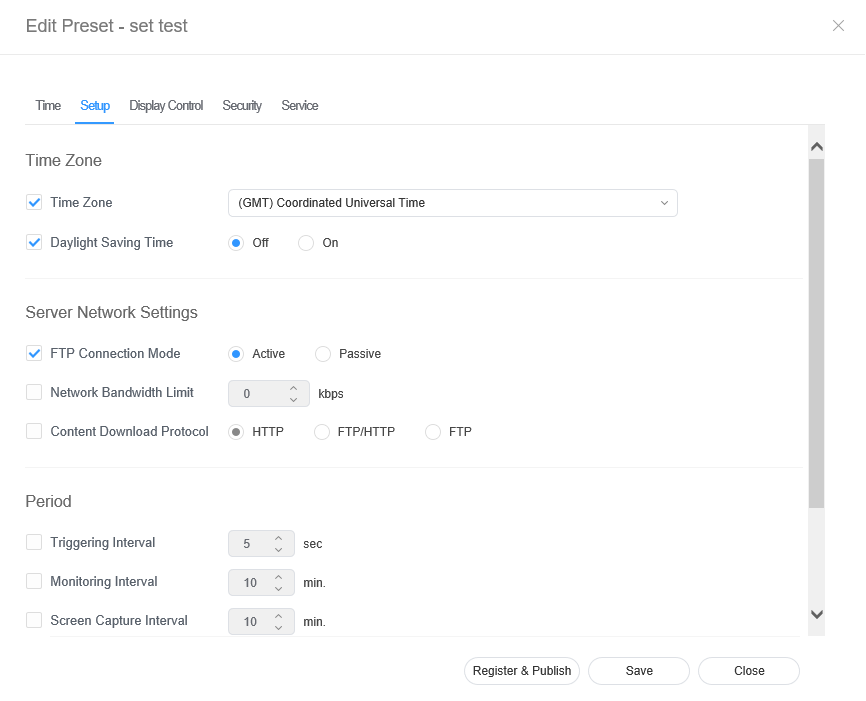
Edit information and click Save. Click Register & Publish to immediately apply the set value to a group.
|
| Time Zone |
| |
| Server Network Settings |
| |
| Period |
|
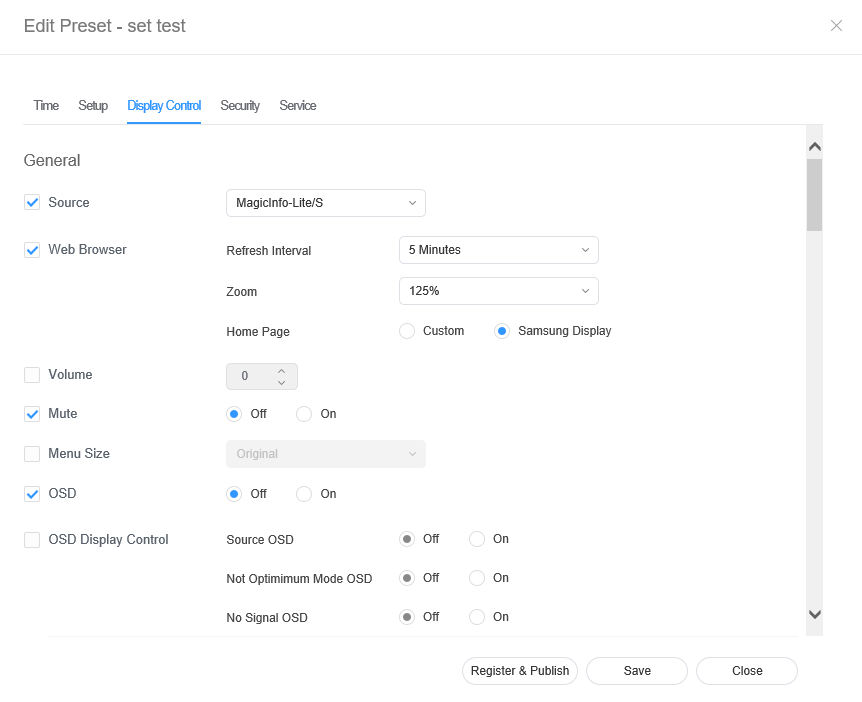
Edit information and click Save. Click Register & Publish to immediately apply the set value to a group.
|
Edit information and click Save. Click Register & Publish to immediately apply the set value to a group.
|