Add a virtual box to detect events in the camera view area.
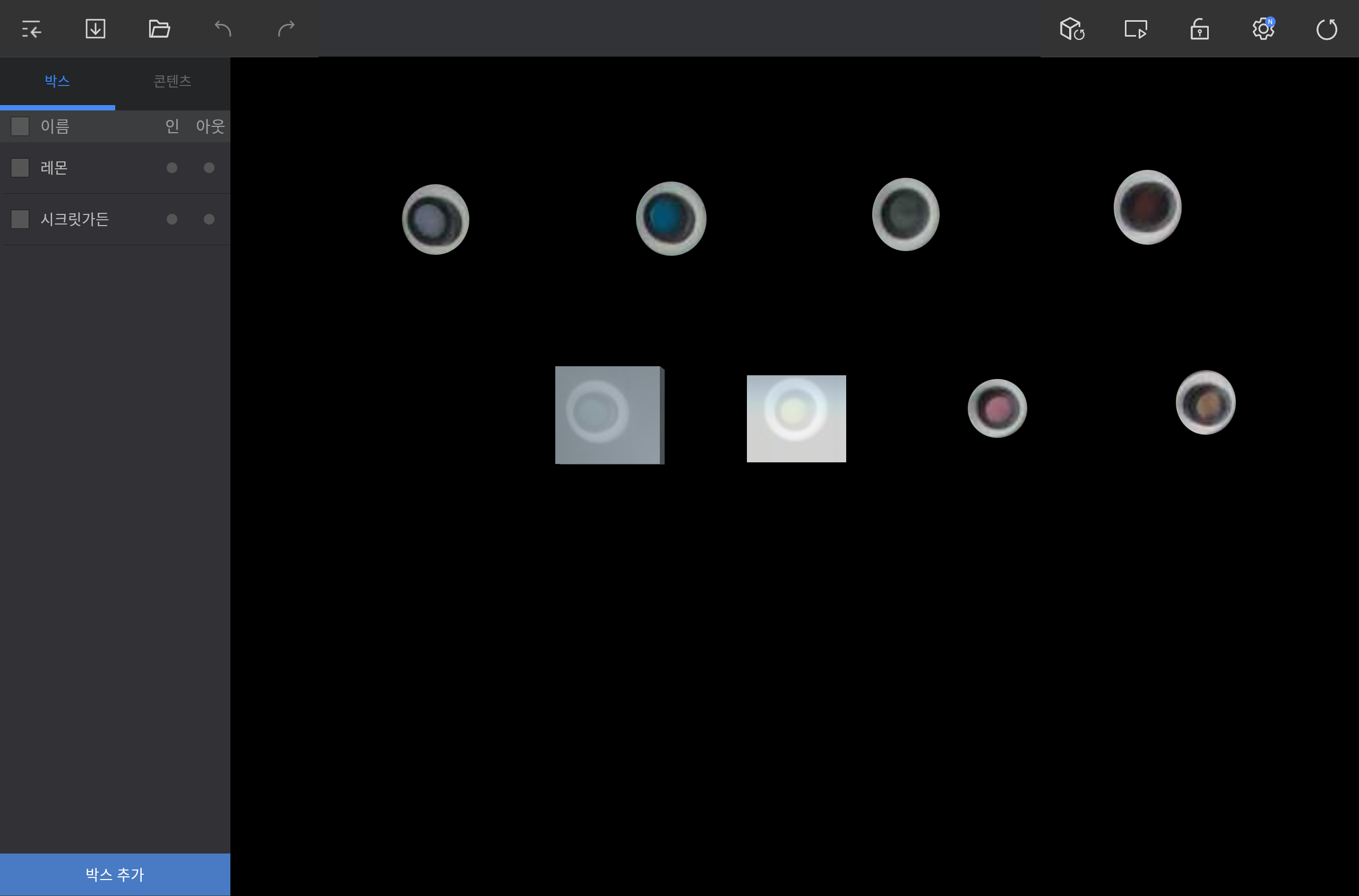
Tap ADD BOX on the lower left screen in the editor and add a box to a desired position.
|
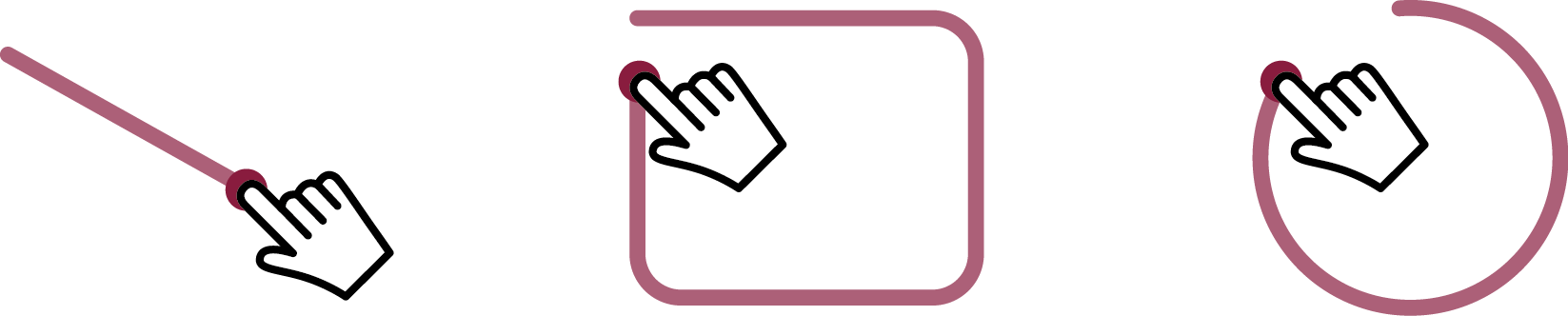
Drag diagonally or in circle to create a box that fits the dragged space.
|
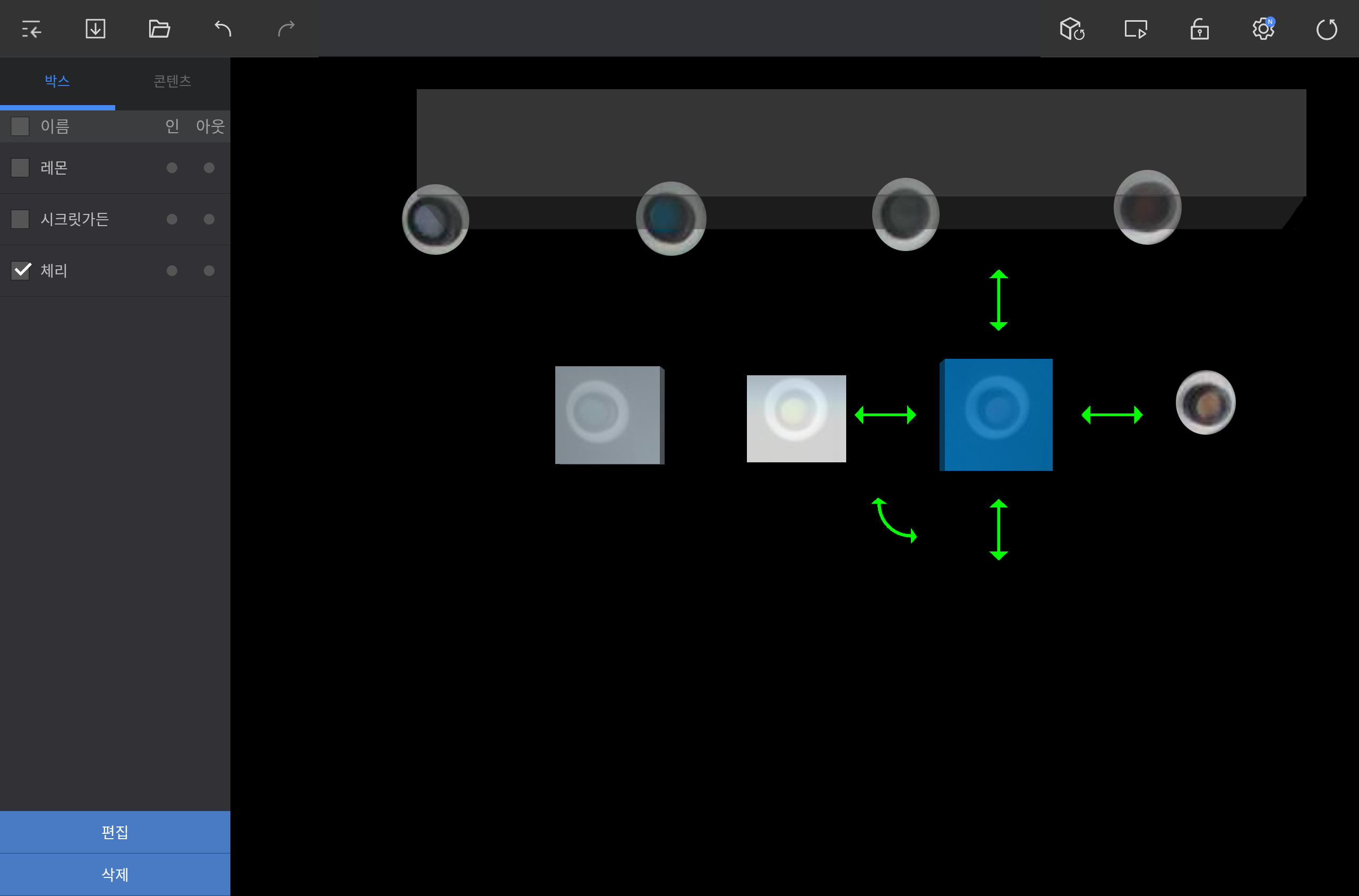
Select a box from the BOX tab or in the angle area.
Use the available options to edit the box.
|
To reposition the box, press and hold the box and then drag it to a desired position.
To adjust the box size, press and hold and then drag the straight double arrows around the box (up/down/right/left).
To rotate the box, press and hold and then drag the curved double arrow.
To rename the box or add a tag, tap EDIT on the lower left screen.
To delete the box, tap DELETE on the lower left screen.
|