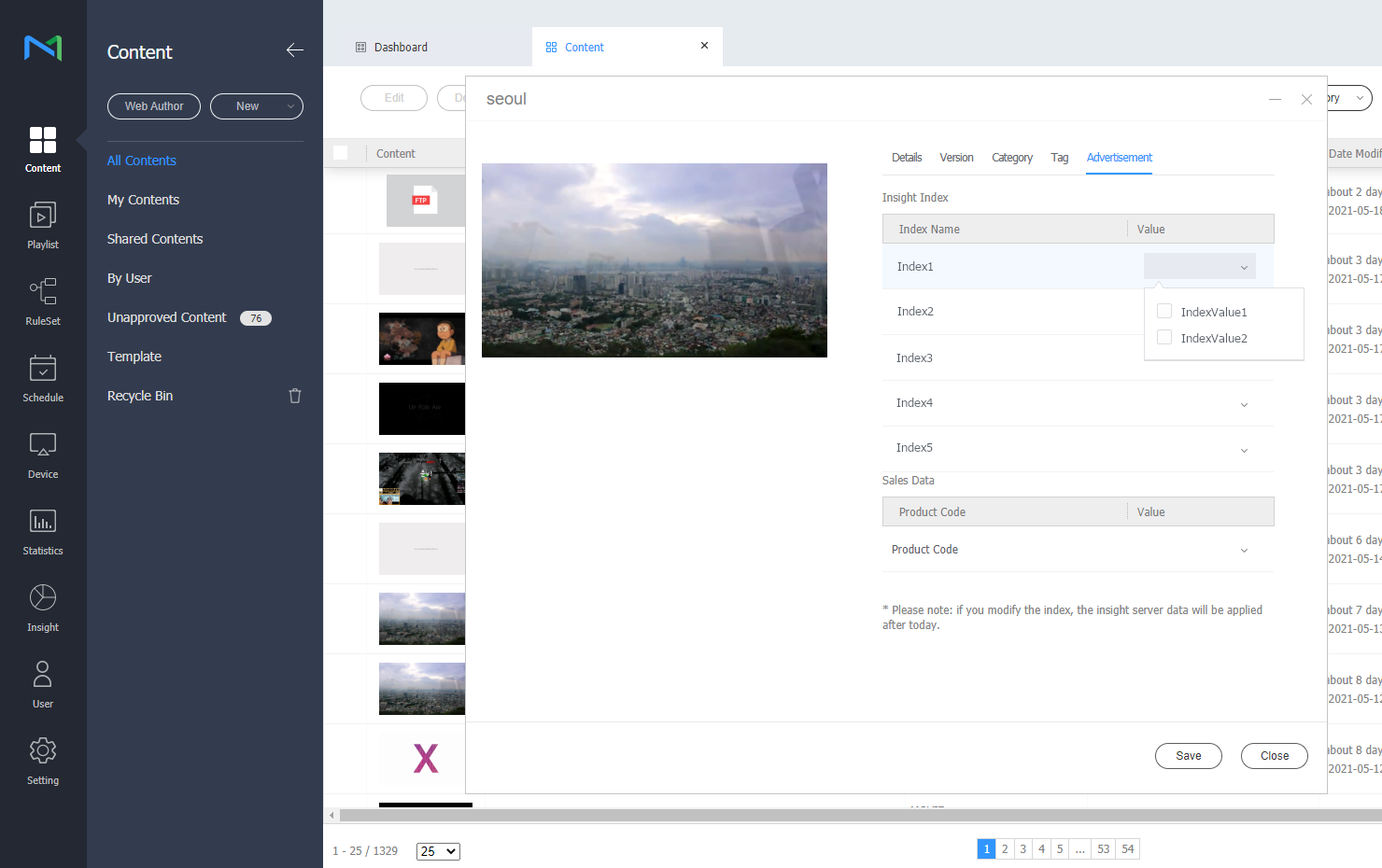
To use MagicINFO Insight , first you should set key index by using indexes that were set from the MagicINFO Server .
For details on how to set and manage indexes and key indexes, refer to the following.
Setting Index in MagicINFO Server
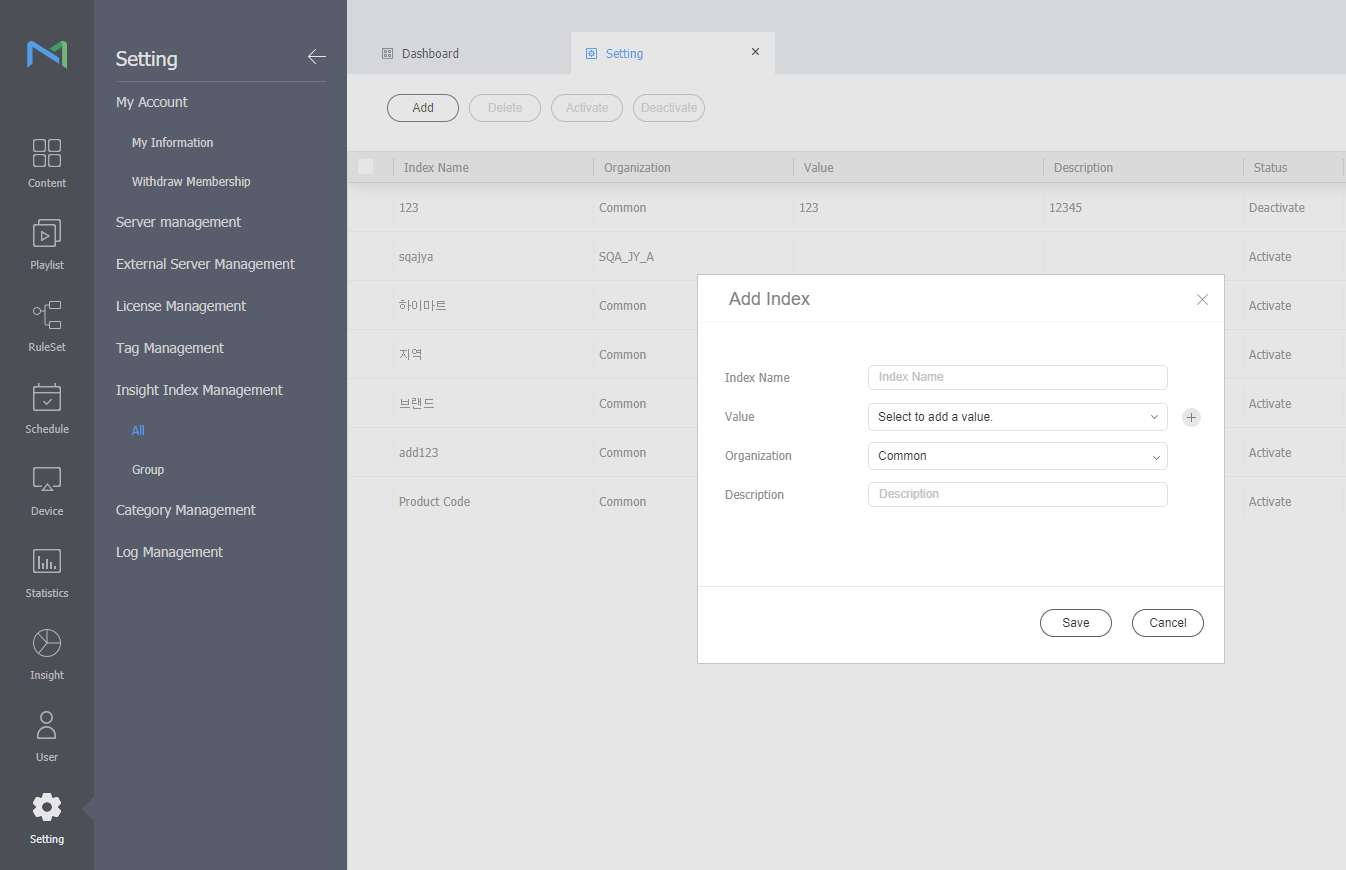
- From the menu bar on MagicINFO Server, click Settings > Insight Index Management > All or Group > Add button. And then, add index.
- Click Content on the MagicINFO Server menu bar.
- Click the name of the content for which index needs to be set.
- After click Advertising tab, set the Insight index value.