
Page History
...
| Sv translation | |||||||||||||||||||||||||||||||||||||||||||||||||||||||||||||||||||||||||||||||||||||
|---|---|---|---|---|---|---|---|---|---|---|---|---|---|---|---|---|---|---|---|---|---|---|---|---|---|---|---|---|---|---|---|---|---|---|---|---|---|---|---|---|---|---|---|---|---|---|---|---|---|---|---|---|---|---|---|---|---|---|---|---|---|---|---|---|---|---|---|---|---|---|---|---|---|---|---|---|---|---|---|---|---|---|---|---|---|
| |||||||||||||||||||||||||||||||||||||||||||||||||||||||||||||||||||||||||||||||||||||
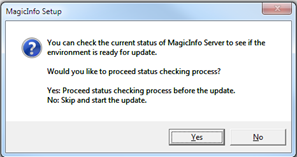
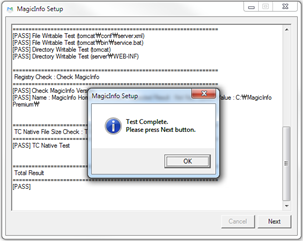
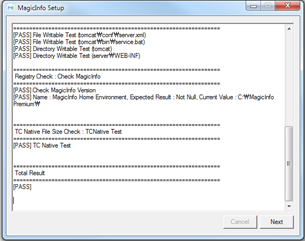
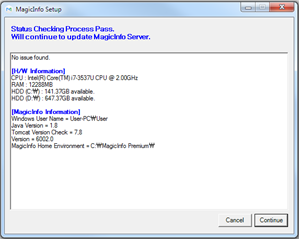
In case of upgrading MagicINFO Server to the latest version, a preliminary inspection is automatically activated to check if the computing environment is suitable for the latest version of MagicINFO Server. If the environment is deemed not suitable for installation, the upgrade cannot be proceeded.
1. Preconditions
2. BackupIf the upgrade fails before the upgrade and roll back to the previous stable version, the application server and database server must be backed up.
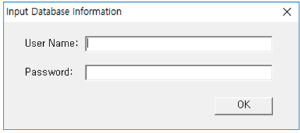
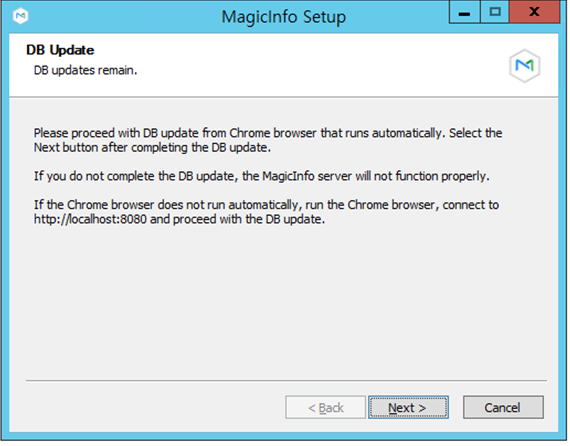
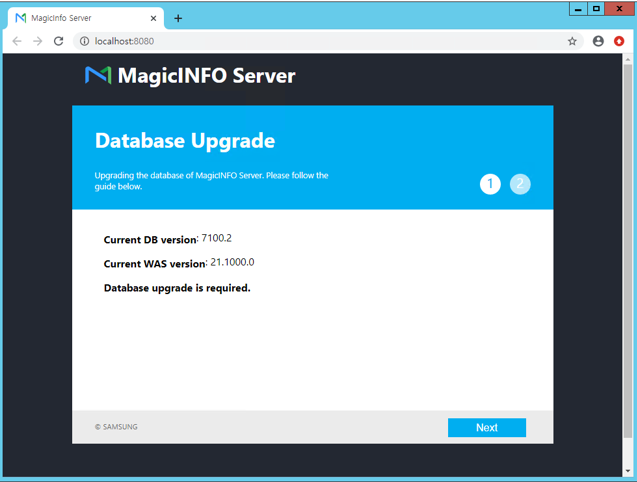
3. DB UpgradeDB upgrades vary depending on the existing installation environment.
4. Backup setup fileBack up the files below in case the settings fail.
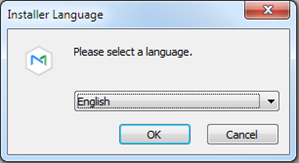
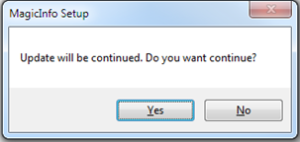
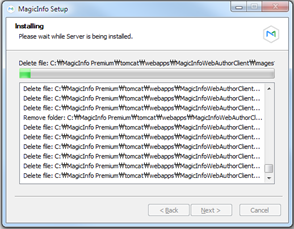
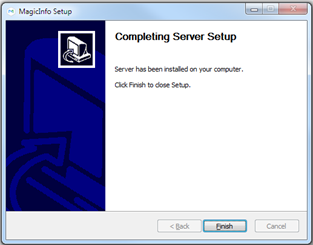
5. Upgrade installationThe upgrade allows you to run the installation file just like the initial installation.
6. Restore settings fileRestore the backed up configuration file in step 2.4 Please keep the following in mind when you restore it.
7. Start and confirm the serviceMagicInfo-i Check if the service of the premium edition server item is running on the Windows Service, and access the administrator page for confirmation. |



...