changes.mady.by.user user-8600c
Saved on Aug 01, 2017
changes.mady.by.user AST01
Saved on Nov 07, 2017
...
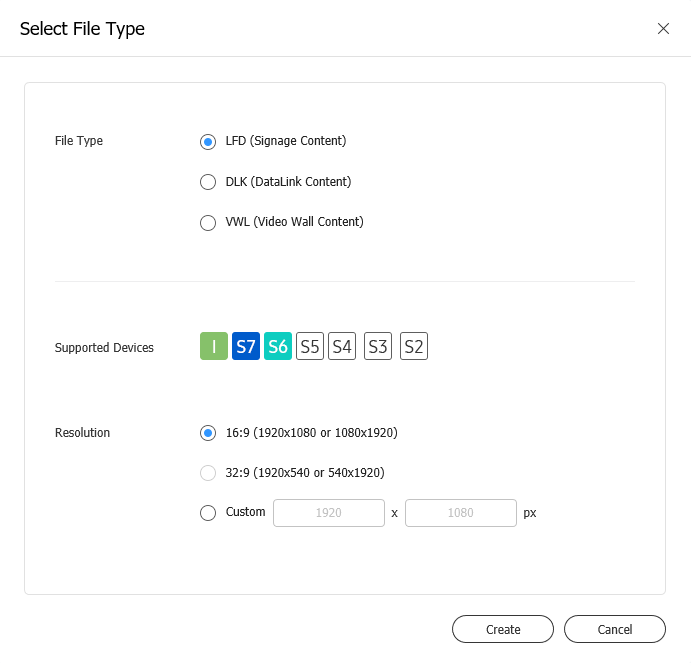
When Web Author is launched, set the device type, supported devices, and resolution.
If the device type is set to Videowall, a group, registered on the server, that has videowall properties must be selected.
Click Create. The screen used to create content based on settings appears.
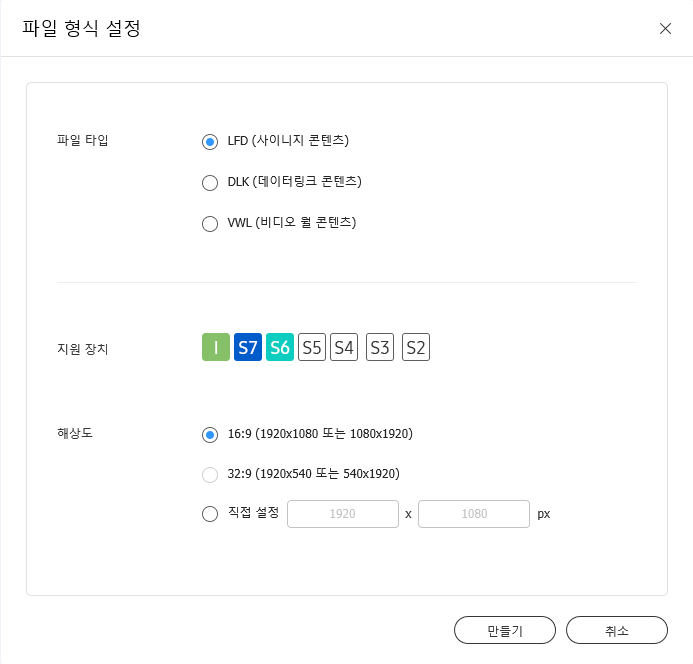
Quando si avvia Web Author, impostare il tipo di dispositivo, i dispositivi supportati e la risoluzione.
Se il tipo di dispositivo è impostato su Videowall, è necessario selezionare un gruppo, registrato sul server, che disponga di proprietà videowall.
Cliccare su Crea. Si visualizza la schermata usata per creare contenuto in base alle impostazioni.