Comment:
Content imported from a Scroll Translations translation file.
...
Sv translation
language
en
Stylesheet
class
screen
Enter (http://MagicINFO Server IP):(Port)/MagicInfo in the web browser address bar.
Display the MagicINFO Server sign-in screen.
Enter user ID and password, and click Sign In.
Info
title
Note
The MagicInfo at the end of the address to MagicINFO Server is case sensitive.
Sign-up is required to use MagicINFO Server. Users that have signed up can sign into MagicINFO Server after approval by the administrator.
Warning
title
Admin sign-in info
To sign in as an organization administrator after the initial installation, enter the organization administrator ID and password created during the installation file setup.
To ensure security, select Setting > My Account > My Information > Edit on the main menu bar and change your password. A password can be a combination of alphanumeric characters.
Samsung Electronics shall not be held responsible for any losses that incur due to a failure to change the password.
Sv translation
language
fr
Stylesheet
class
screen
Image Added
Entrez (http://MagicINFO Server IP):(Port)/MagicInfo dans la barre d’adresse de votre navigateur.
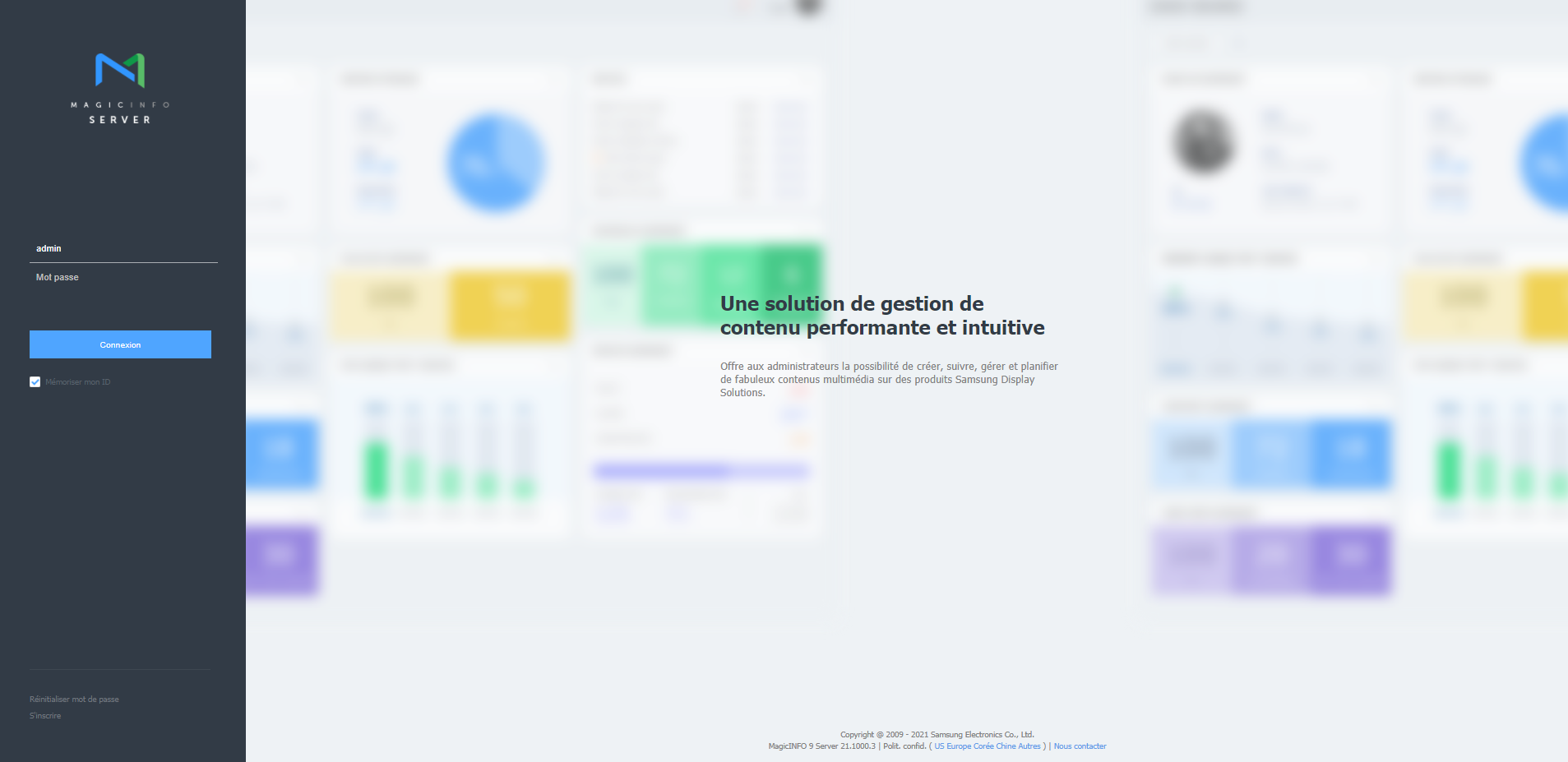
Affichez l’écran de connexion MagicINFO Server.
Entrez l'ID utilisateur et le mot de passe et cliquez sur Se connecter.
Info
title
Remarque
Le mot MagicInfo à la fin de l’adresse de MagicINFO Server est sensible à la casse.
Il est nécessaire de se connecter pour utiliser MagicINFO Server. Les utilisateurs enregistrés peuvent se connecter à MagicINFO Server après y avoir été autorisés par l’administrateur.
Warning
title
Infos de connexion en tant qu'administrateur
Pour vous connecter en tant qu'administrateur d'organisation après l'installation initiale, entrer l'iD d'administrateur d'organisation et le mot de passe créés lors de la configuration.
Pour assurer la sécurité, sélectionnez Réglage > Mon compte > Mes informations > Modifier dans la barre du menu principal et modifiez votre mot de passe. Un mot de passe peut être composé d’une association de caractères alphanumériques.
La société Samsung Electronics ne peut être tenue responsable des pertes liées à la non-modification du mot de passe.