Versions Compared

Key

  • This line was added.
  • This line was removed.
  • Formatting was changed.
Comment: Content imported from a Scroll Translations translation file.
Sv translation
languageko

W Player API는 W Player를 위한 다양한 응용 Web Content 요소를 생성할 수 있게 합니다.

Stylesheet
classscreen

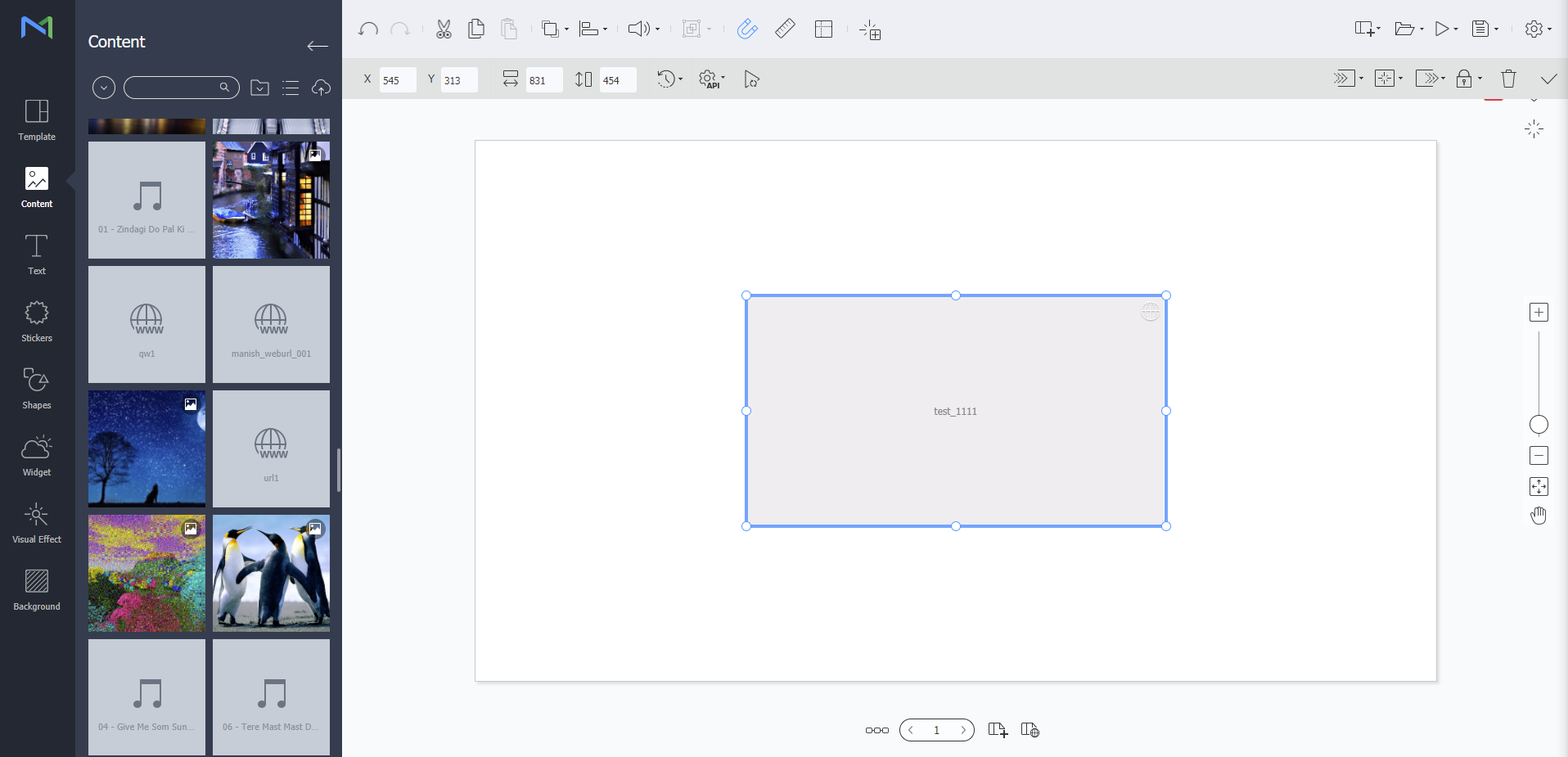
Web Author 편집 화면에서 을 클릭하세요.

  • 새로고침 주기

    시간(0~23) / 분(0~59) / 초(0~59) 단위로 새로고침 주기를 설정할 수 있습니다.

Web Author 편집 화면에서 을 클릭하세요. 사용할 수 있는 설정은 다음과 같습니다.

  • 사용자 데이터

    사용자 데이터의 키와 값을 입력하여 W Player API를 통해 웹 콘텐츠에 반영합니다. 키는 중복입력이 되지 않으며, 왼쪽 아래 추가 버튼으로 키와 값을 추가 생성할 수 있습니다.

  • 외부 데이터

    W Player API를 통해 웹 콘텐츠에 반영할 수 있도록 외부 데이터를 가져오는 방법을 설정합니다.

    • UDP 리스너: UDP 포트를 통해 데이터를 가져올 때 사용하는 옵션입니다.

      UDP 리스너를 활성화하면 UDP 포트를 통해 가져온 데이터를 시뮬레이션 할 수 있습니다.

      미리 보기 화면 오른쪽 아래 클릭 후 입력창에 명령내용을 보낼 시 시뮬레이션 됩니다.

    • 데이터링크 리스너: 데이터링크 서버를 통해 데이터를 가져올 때 사용하는 옵션이며, 데이터링크 테이블, 데이터 순서(세로, 가로), 새로고침 주기(분(0~59) / 초(0~59))를 설정할 수 있습니다.

      Warning
      title경고

      UDP 리스너의 포트 번호 "47475"는 사용하지 마시기 바랍니다. W Player 재생을 위해 사용되는 포트입니다.

Web Author 편집 화면에서 을 클릭하세요.

  • 재생시간 동기화

    버튼을 눌러 활성화를 시키면 새 콘텐츠가 시작할 때 사전에 불러들인 콘텐츠를 처음부터 재생하는 옵션입니다.

Sv translation
languageen

W Player API allows creation of various web content elements for use in W Player.

Stylesheet
classscreen

From the editor screen of Web Author, click .

  • Refresh Interval

    Set the refresh interval in hours (0-23) / minutes (0-59) / seconds (0-59).

From the editor screen of Web Author, click . Available settings are as follows:

  • User Data

    Apply user data to web content via W Player API by entering the key and value of the data. A duplicate key cannot be entered. Use the Add button at the bottom left to create a key and value.

  • External Data

    Set how to import external data that will be applied to web content via W Player API.

    • UDP Listener: This option is used when importing data via the UDP port.

      If you activate UDP Listener, you can simulate data imported via the UDP port.

      Data can be simulated by clicking at the bottom right and then sending the command in the displayed input window.

    • DataLink Listener: This option is used when importing data via the data link server. Use the option to set the data link table, data order (vertical/horizontal) and refresh interval in minutes (0-59) or seconds (0-59).

      Warning
      titleWarning

      Do not use "47475" which is the port number of UDP Listener. The port is used for W Player playback.

From the editor screen of Web Author, click .

  • Sync Timeline

    Press the button to activate the option. Previously imported content will be played from the beginning when playback of new content begins.