Comment:
Content imported from a Scroll Translations translation file.
...
Sv translation
language
en
Stylesheet
class
screen
Image RemovedImage Added
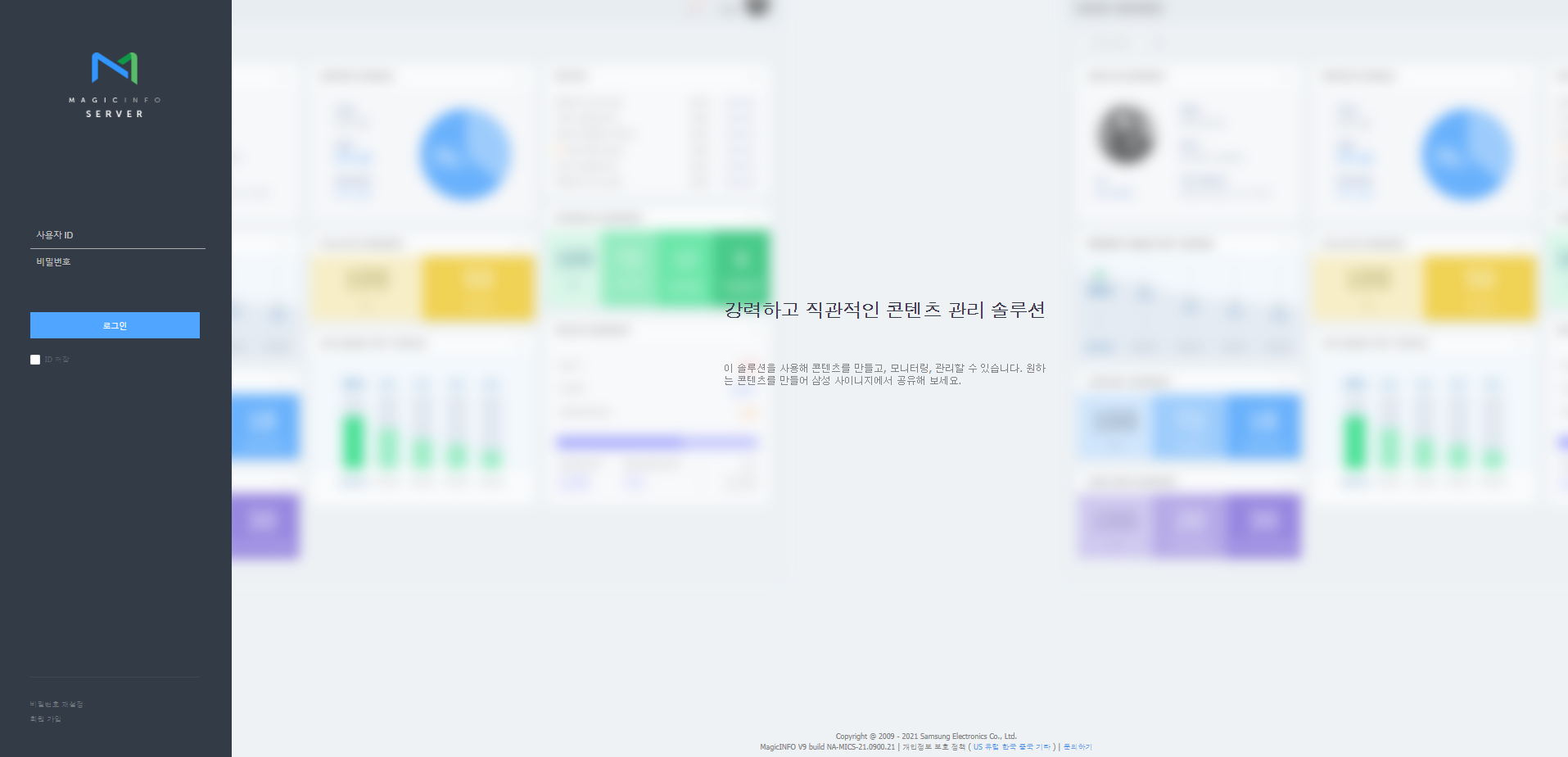
Enter (http://MagicINFO Server IP):(Port)/MagicInfo in the web browser address bar.
Display the MagicINFO Server sign-in screen.
Enter user ID and password, and click Sign In.
Info
title
Note
The MagicInfo at the end of the address to MagicINFO Server is case sensitive.
Sign-up is required to use MagicINFO Server. Users that have signed up can sign into MagicINFO Server after approval by the administrator.
Warning
title
Admin sign-in info
To sign in as an organization administrator after the initial installation, enter the organization administrator ID and password created during the installation file setup.
To ensure security, select Setting > My Account > My Information > Edit on the main menu bar and change your password. A password can be a combination of alphanumeric characters.
Samsung Electronics shall not be held responsible for any losses that incur due to a failure to change the password.