
Page History
| Sv translation | |||||||||
|---|---|---|---|---|---|---|---|---|---|
| |||||||||
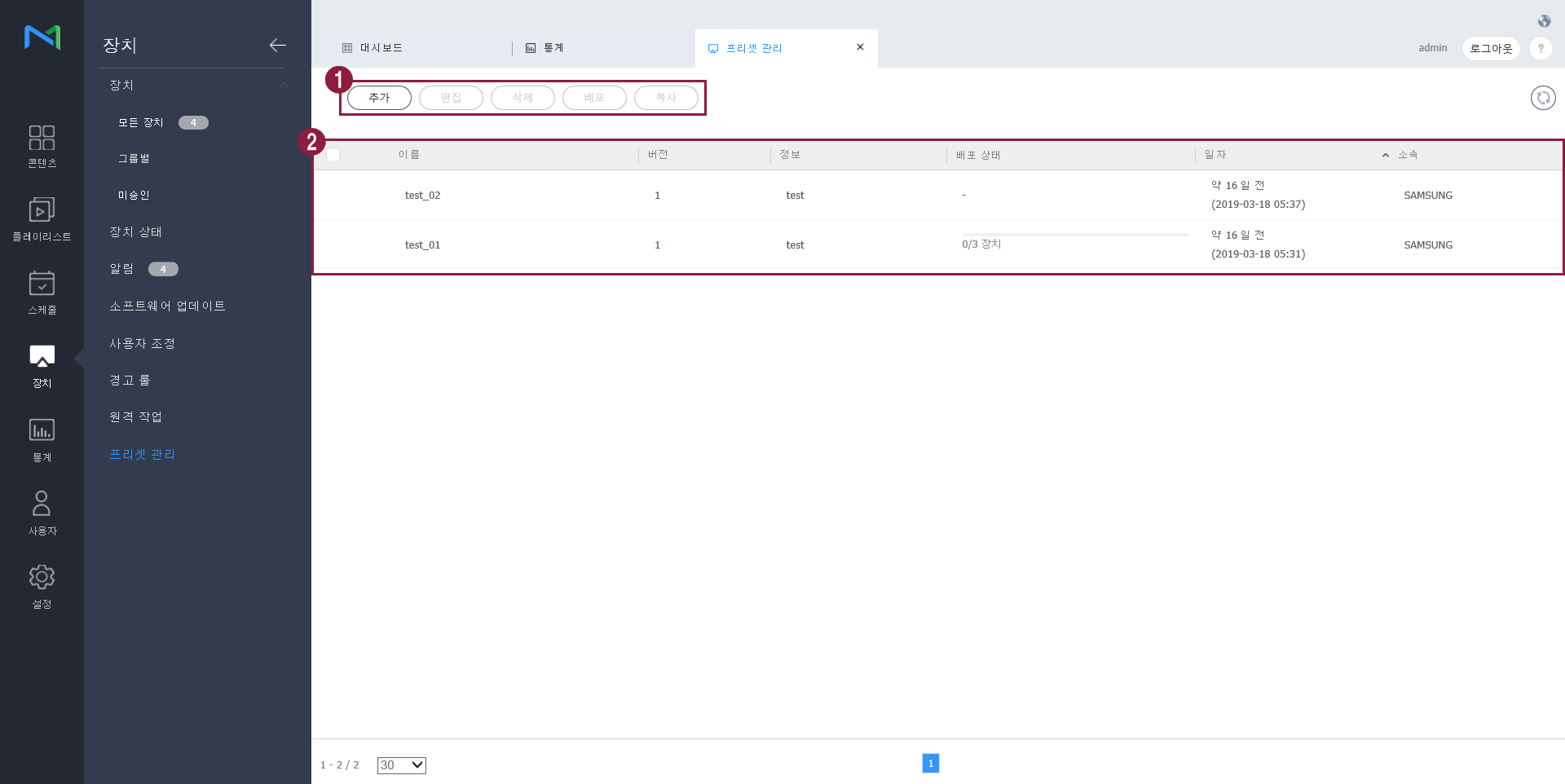
프리셋을 추가, 편집, 삭제, 배포, 복사할 수 있고, 등록된 프리셋의 상세 정보를 확인할 수 있습니다.
|
| Sv translation | |||||||||
|---|---|---|---|---|---|---|---|---|---|
| |||||||||
You can add, edit, delete, publish and copy presets, and view details of the registered presets.
|
| Sv translation | |||||||||
|---|---|---|---|---|---|---|---|---|---|
| |||||||||
프리셋을 추가, 편집, 삭제, 배포, 복사할 수 있고, 등록된 프리셋의 상세 정보를 확인할 수 있습니다.
|
| Sv translation | |||||||||
|---|---|---|---|---|---|---|---|---|---|
| |||||||||
You can add, edit, delete, publish and copy presets, and view details of the registered presets.
|