
Page History
| Sv translation | ||||||||||||||||||||
|---|---|---|---|---|---|---|---|---|---|---|---|---|---|---|---|---|---|---|---|---|
| ||||||||||||||||||||
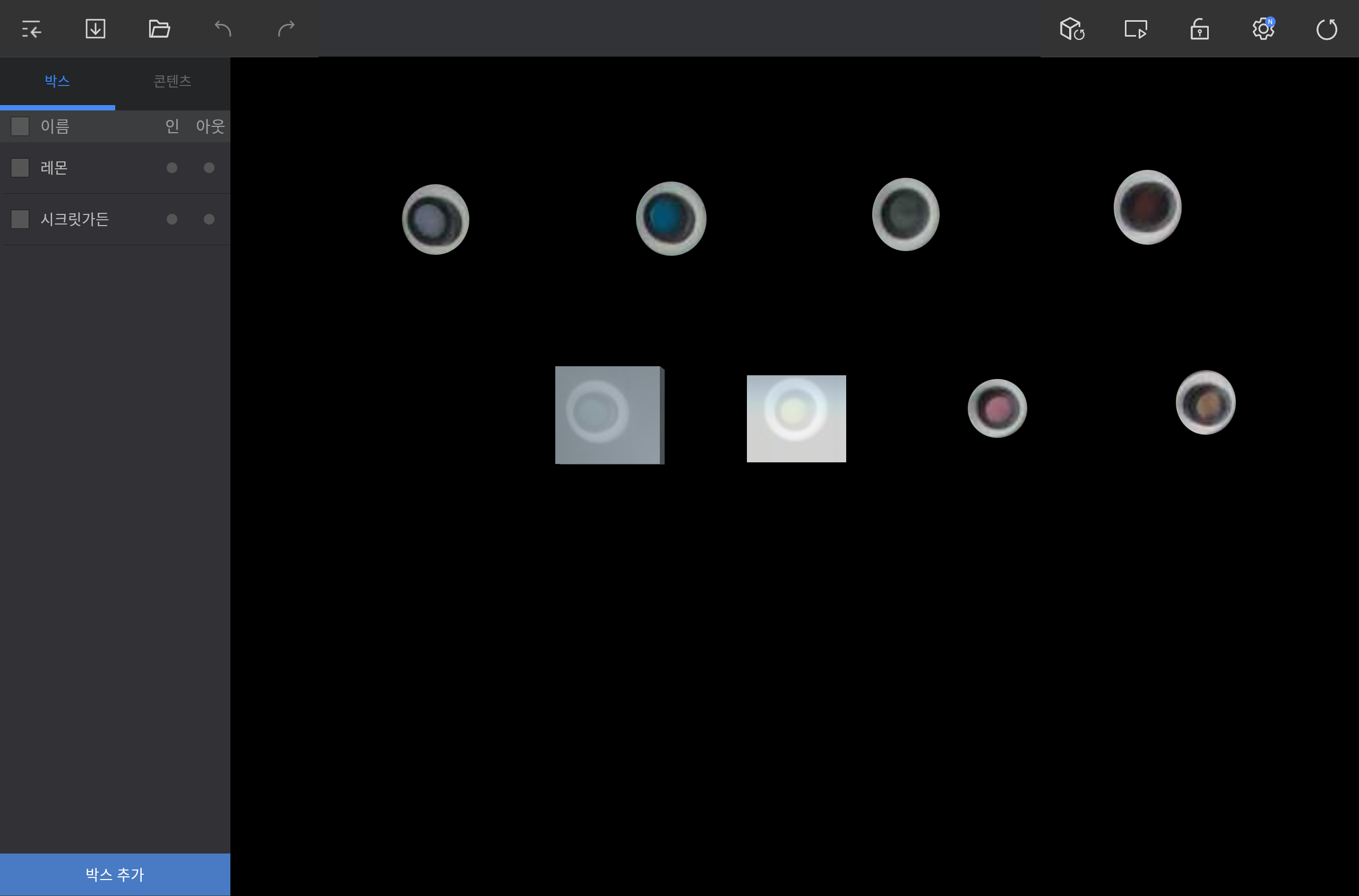
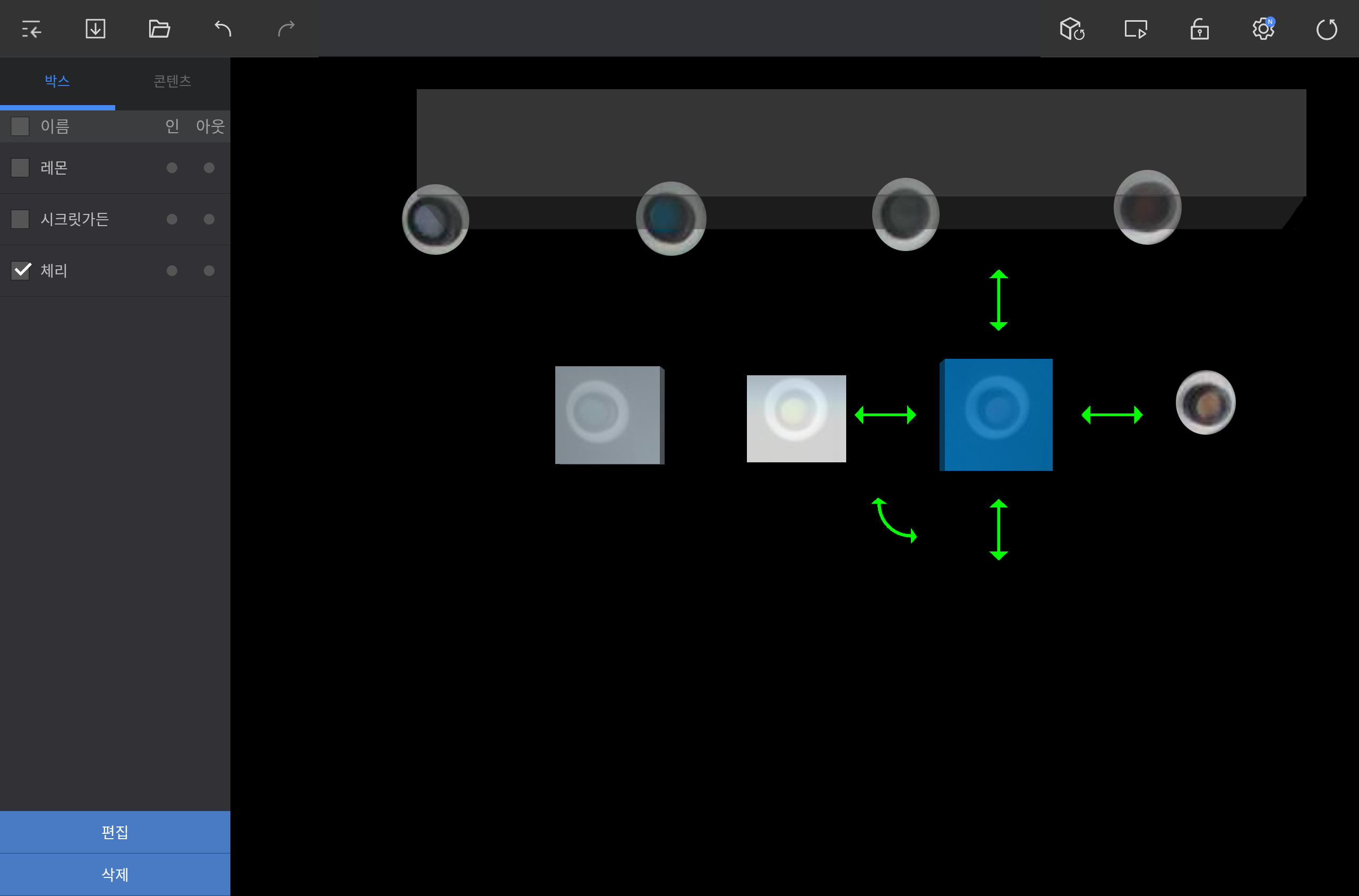
카메라에 비치는 화면 영역에 동작을 감지할 가상의 박스를 추가할 수 있습니다. 편집 화면 왼쪽 하단의 박스 추가를 누른 후 원하는 위치에 박스를 추가하세요.
동작 감지 박스 편집하기
|

| Sv translation | ||||||||||||||||||||
|---|---|---|---|---|---|---|---|---|---|---|---|---|---|---|---|---|---|---|---|---|
| ||||||||||||||||||||
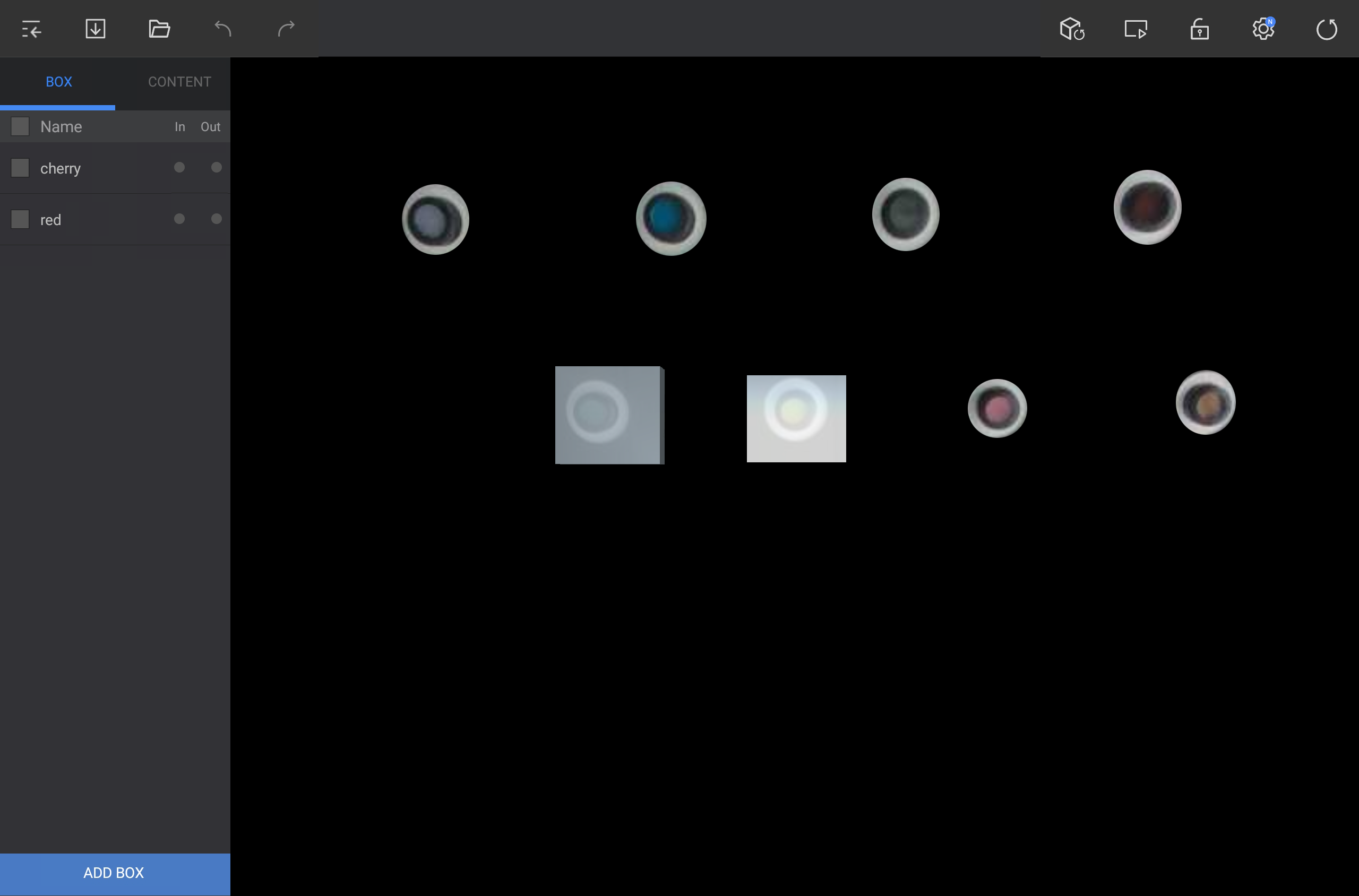
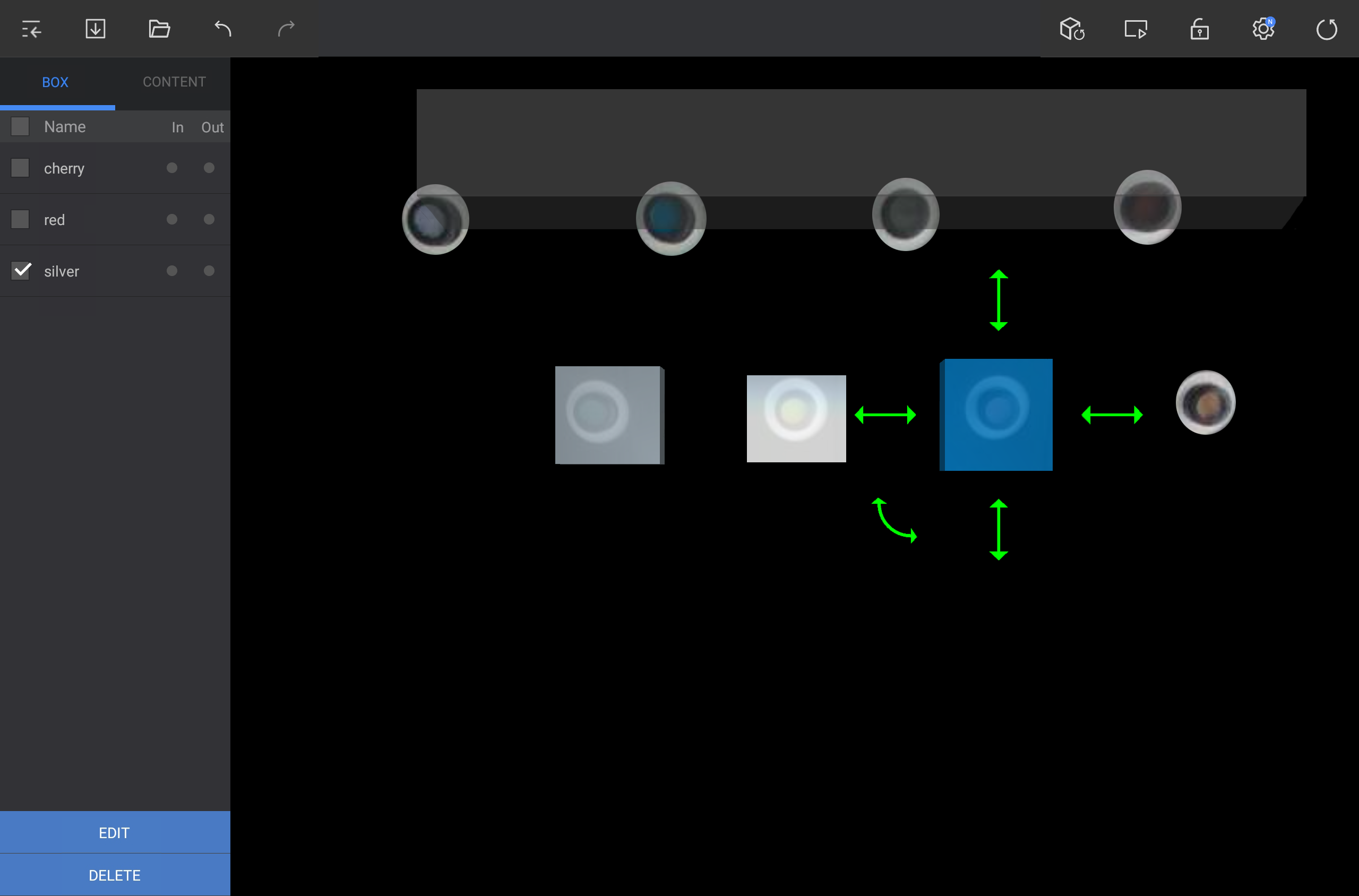
Add a virtual box to detect events in the camera view area. Tap ADD BOX on the lower left screen in the editor and add a box to a desired positionYou can add virtual box for detecting operation on screen area that is shown on the camera. Press Add Box that is located at bottom left side of edit screen and add the box in desired location.
Editingaoperation detection box
|
| Sv translation | ||||||||||||||||||||
|---|---|---|---|---|---|---|---|---|---|---|---|---|---|---|---|---|---|---|---|---|
| ||||||||||||||||||||
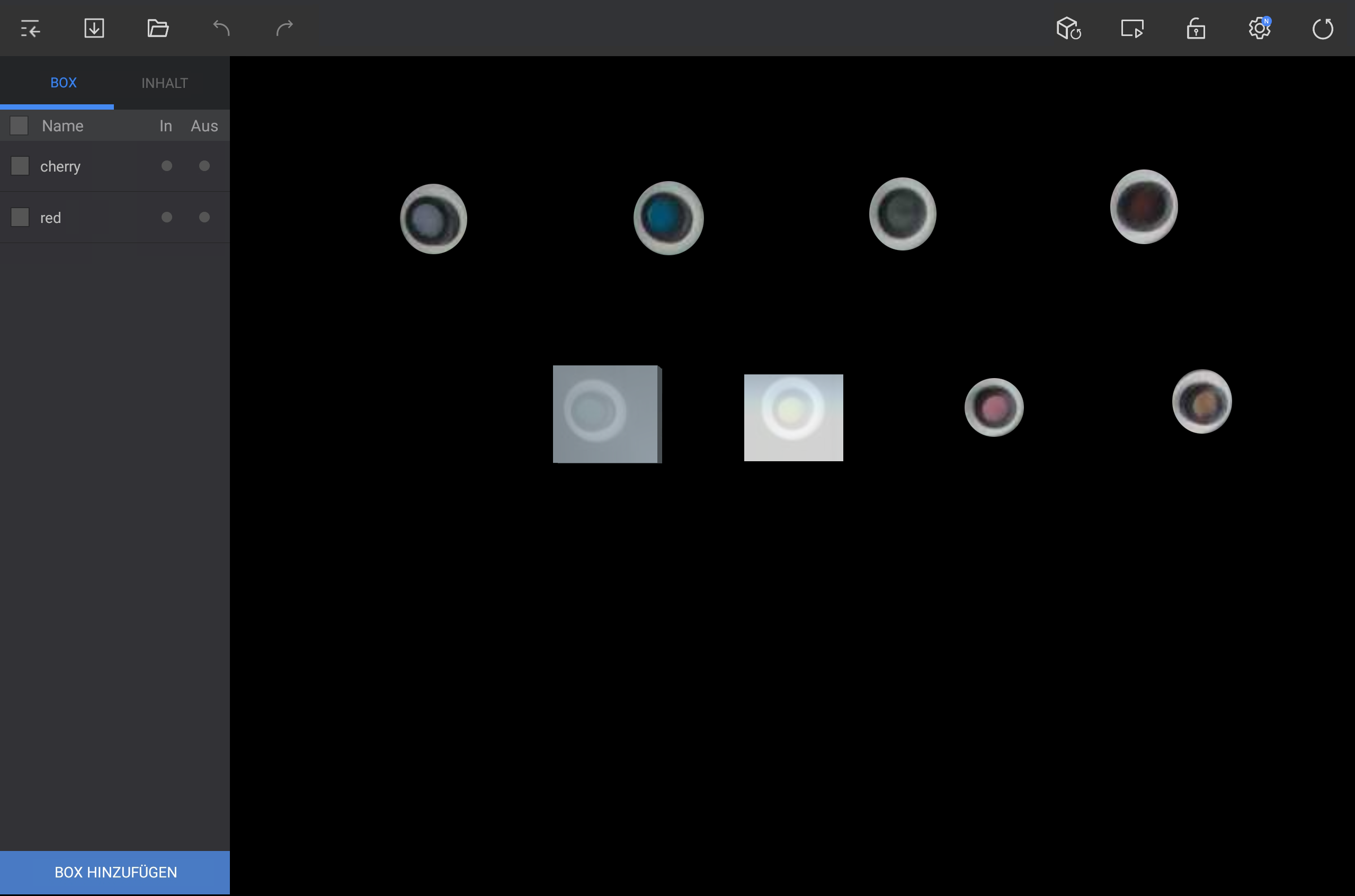
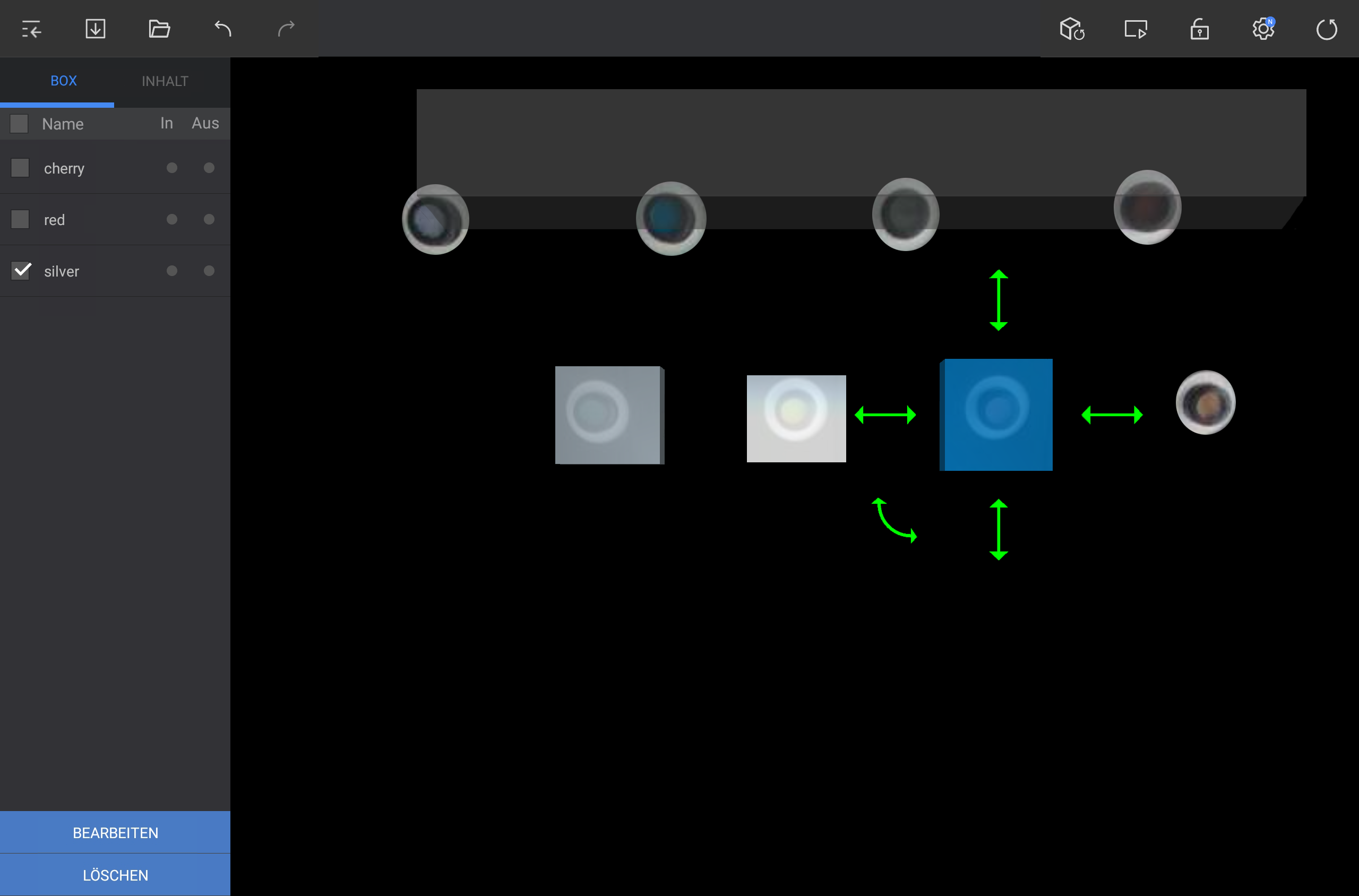
Fügen Sie eine virtuelle Box hinzu, um Ereignisse im Kameraansichtsbereich zu erkennen. Tippen Sie im Editor unten links auf BOX HINZUFüGEN und fügen Sie an der gewünschten Position eine Box hinzu.
Bearbeiten einer Box
|
...