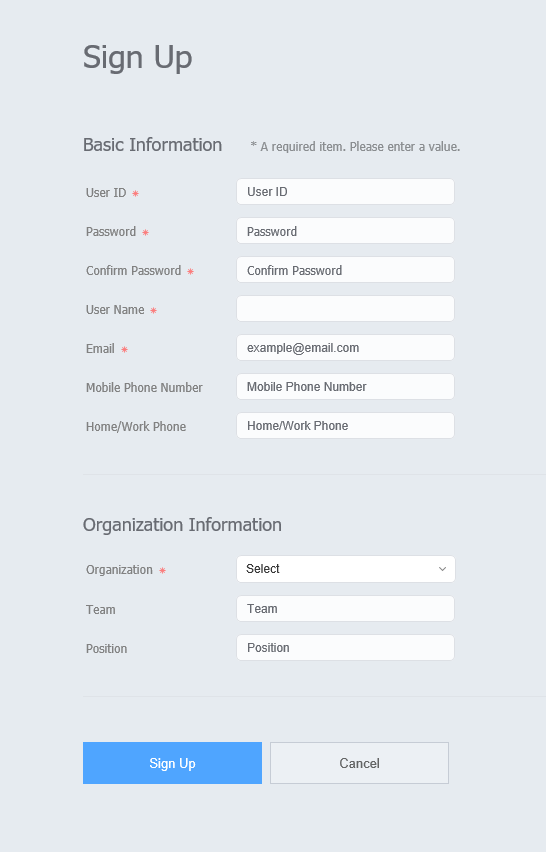
Click Sign Up from the sign-in page. The sign-up page appears.
Enter the basic user information, ID and password in the sign-up page.
Click Sign Up to save the information entered. Sign-up is complete. Users that have signed up can sign into Premium MagicINFO Server after approval by the administrator.
Stylesheet
class
screen
Tip
title
Precautions when signing up
A user ID can be 5 to 20 characters long.
A user ID is case-sensitive and can only contain English alphanumeric characters.
A password can be a combination of alphanumeric characters. You cannot use a password that consists of either letters or numbers alone.
A password cannot contain more than two consecutive numbers or more than two identical characters.